
best fortnite vr mode 2026 is a tricky search because there still isn’t an official “VR Mode” toggle inside Fortnite, yet there are a few realistic ways players try to get a VR-like experience without bricking performance or making themselves motion-sick.
If you’ve seen clips that look like full VR Fortnite, you’re not crazy, but a lot of that comes from mixed setups: UEVR-style injection in other Unreal games, VR cinema screens, or custom creative experiences that feel VR-adjacent rather than true motion-controller VR.
This guide breaks down what you can do in 2026, what to avoid, and how to choose a setup based on your headset and tolerance for tinkering, so you don’t waste an entire weekend chasing a setting that isn’t there.
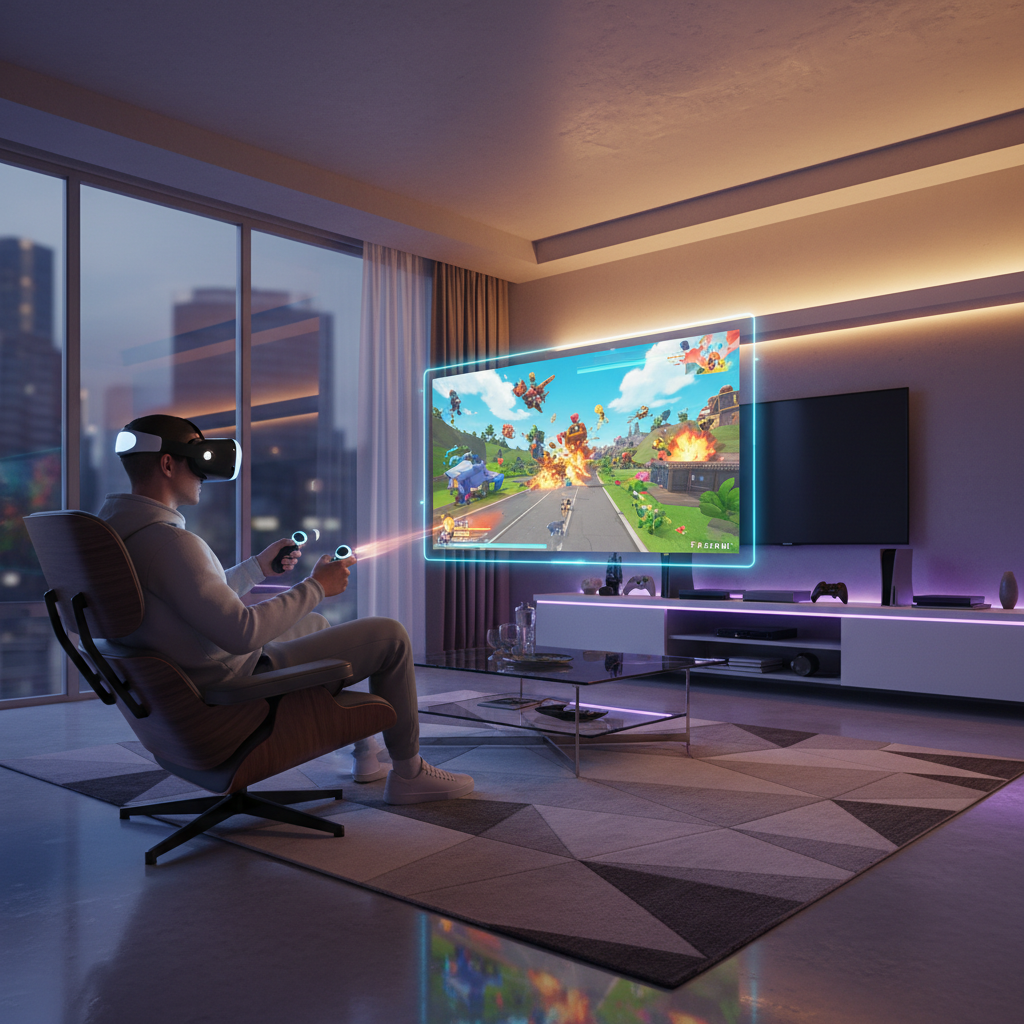
What “Fortnite VR” actually means in 2026
In most cases, “Fortnite VR” falls into three buckets, and only one of them feels close to what people imagine.
- VR theater / giant virtual screen: You play normal Fortnite, but it’s displayed on a huge screen in VR. Immersion improves, gameplay stays the same.
- Head-tracked view only: Some users experiment with unofficial methods that attempt head tracking, but it tends to be fragile and may break after updates.
- VR-like experiences inside Fortnite Creative: Not true VR, yet certain maps and first-person camera experiences can feel more “in your face,” especially with a large FOV or gyro aiming.
According to Epic Games, Fortnite is supported across PC and consoles with standard display and input options, and platform support can change as the game evolves, so anything beyond that usually relies on third-party software or workarounds.
Quick reality check: is “best fortnite vr mode 2026” even worth chasing for you?
Before you install tools, ask yourself what you want. People quit halfway because they wanted motion-controller aiming, but ended up with a virtual movie screen and felt disappointed.
A fast self-test
- If you mainly want immersion and a “bigger than life” view, VR theater mode is often enough.
- If you want motion controller shooting and building, you’ll likely feel stuck, because Fortnite doesn’t officially map those controls for VR.
- If you’re sensitive to motion sickness, anything that adds head tracking without proper VR comfort options can backfire.
- If you play competitive, adding layers (VR runtime, overlays) may add latency you notice.
Be honest here, because the best result for many players is “Fortnite on a massive VR screen” and then focusing on stable frame rate and comfort.
The most reliable option: play Fortnite on a giant VR screen (PC VR)
This is the closest thing to a “works today, keeps working tomorrow” answer. You’re not converting Fortnite into VR, you’re using your headset as a display.
Typical tools include Virtual Desktop, SteamVR theater, or headset-native desktop streaming features. The exact steps vary by headset, but the goal stays simple: run Fortnite on your PC, view it in VR on a large virtual screen, and keep your normal mouse/keyboard or controller.
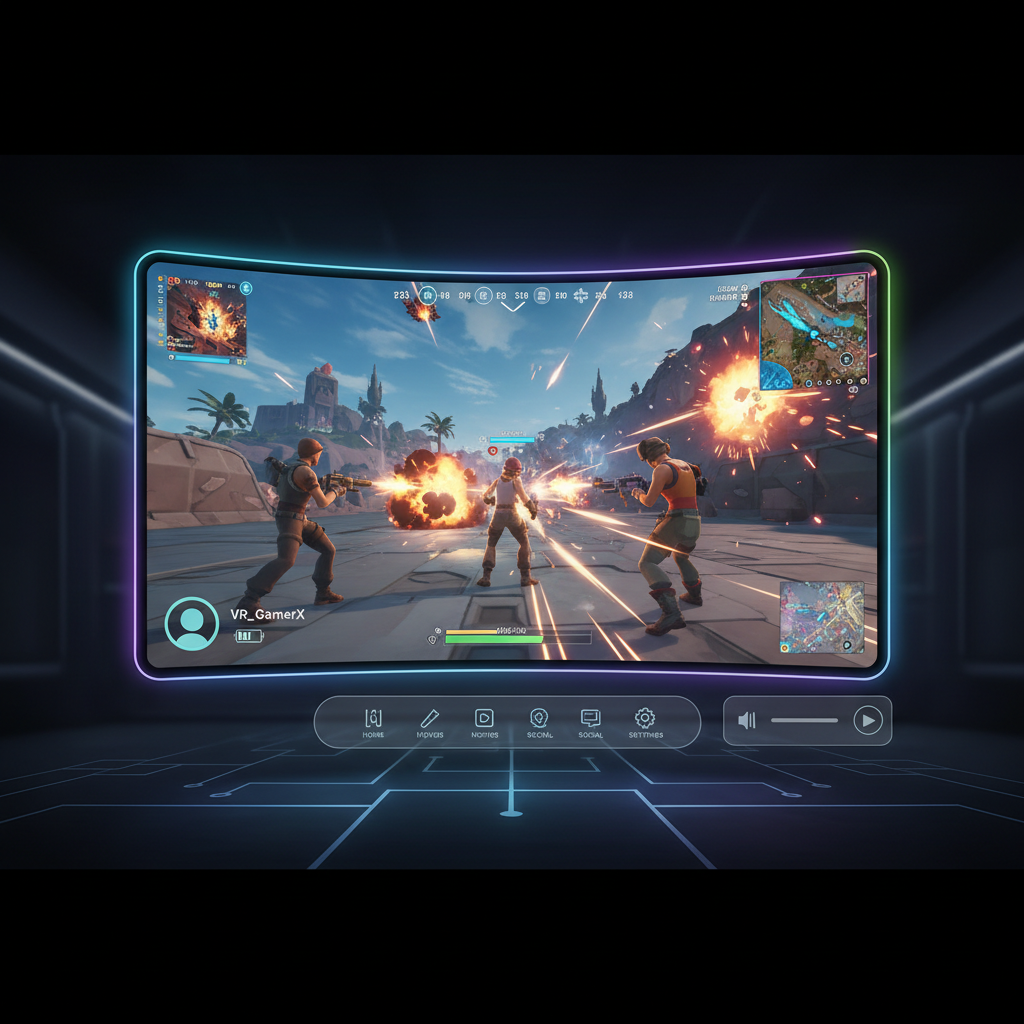
Comfort and performance settings that matter
- Lock frame rate (or cap it): stable feels better than “sometimes high.”
- Lower Fortnite post-processing: motion + heavy effects can feel rough in a headset.
- Increase in-game FOV carefully: higher FOV may help some players, but can also increase nausea for others.
- Use a controller if you’re prone to discomfort: mouse flicks on a giant screen can feel intense.
According to Meta, taking breaks and stopping if you feel discomfort is recommended for VR use, and that’s especially true when you’re playing fast camera movement games on a huge virtual display.
Can you get true VR head tracking or “VR injection” in Fortnite?
People ask this because Unreal Engine games sometimes get community VR mods. Fortnite is complicated: it updates constantly, uses anti-cheat systems, and has an online competitive ecosystem. That combination makes “injection-style” VR approaches riskier and less stable.
Even if something appears to work temporarily, it can break after a patch, and there can be account or anti-cheat implications if software modifies how the game runs. I can’t recommend any method that tampers with online gameplay or violates terms.
Safer principle
- Stick to display-only VR methods that don’t alter Fortnite files or game behavior.
- If you experiment, do it with extreme caution, and check Epic’s current policies first.
Best headset and platform matches (what tends to work smoothly)
Because “best fortnite vr mode 2026” often really means “best way to play it in a headset,” here’s a practical compatibility view. This is about reducing friction, not chasing a mythical native VR mode.
| Setup goal | What you need | Why it’s popular | Main tradeoff |
|---|---|---|---|
| Big-screen VR play (wireless) | PC + Wi‑Fi 6/6E + VR desktop streaming app | Feels immersive, minimal hassle once set | Network quality impacts latency |
| Big-screen VR play (wired) | PC + wired link solution | More consistent than wireless | Cable management |
| Console Fortnite | PS5/Xbox + TV/monitor | Simplest, stable updates | No practical VR display option for most users |
| “VR-like” first-person feel | High FOV display + gyro aiming (when supported) | More presence without VR overhead | Not actual VR |
If you already own a PC VR headset, the best experience is usually the one with the fewest moving parts: stable desktop streaming, a comfortable virtual screen size, and predictable input.
Step-by-step: a practical setup checklist (so you can play tonight)
This is the part most guides skip, but it’s what makes the experience feel “good enough” rather than clunky.
1) Prep your PC and Fortnite
- Update GPU drivers and reboot, boring but it prevents random stutters.
- Set Fortnite to Fullscreen or Borderless based on your streaming app’s recommendation.
- Turn off fancy extras you don’t notice in motion: heavy shadows, motion blur.
2) Choose your viewing setup
- Pick a theater environment that feels calm, fewer distractions helps comfort.
- Set screen size to “big,” not “absurd,” you want to track targets without whipping your head.
- Position the screen slightly lower than eye level, neck comfort matters in long matches.
3) Tune for latency and comfort
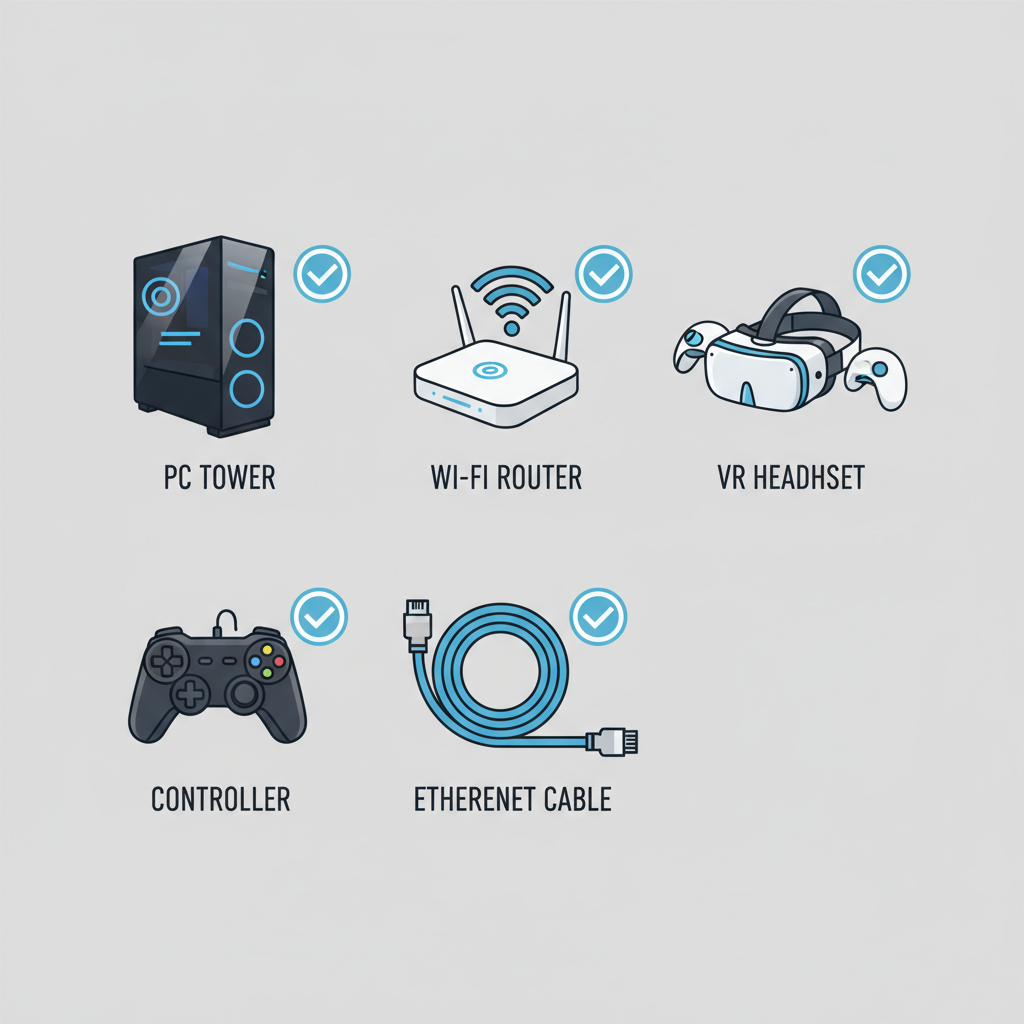
- Wireless: use Ethernet for the PC, keep the router nearby, avoid crowded channels.
- Cap FPS to a stable value you can hold in fights.
- If you feel queasy, shorten sessions and reduce screen size before you blame the headset.
Common mistakes that make “Fortnite VR” feel bad
A lot of frustration comes from chasing the wrong knob. These are the patterns that show up over and over.
- Using an enormous screen and then overcorrecting with head movement, it looks cool, but it’s exhausting.
- Ignoring frame pacing: an unstable 90-to-40 FPS swing feels worse than a stable 60.
- Cranking sensitivity because you can’t see, then you get dizzy when you flick.
- Trying risky mods on an online account: even if your intention is “just VR,” anti-cheat systems can’t read your intention.
Also, don’t underestimate simple ergonomics, chair height, neck angle, and controller grip decide whether you quit after one match.
When it makes sense to ask for help (or stop tinkering)
If your goal is casual immersion, you can usually fix issues yourself. If you hit these walls, getting help saves time.
- You get repeated nausea or headaches, consider adjusting VR comfort settings, taking breaks, and if symptoms persist, consider asking a healthcare professional.
- Your wireless stream keeps hitching even after basic steps, a local PC/VR shop or a knowledgeable friend can help diagnose router placement and interference.
- You’re unsure whether a tool violates rules, check Epic’s official documentation and community guidelines before risking your account.
Key takeaways: what “best fortnite vr mode 2026” looks like in real life
- No official native Fortnite VR mode is the baseline assumption you should plan around.
- The most dependable “VR” approach is playing on a big virtual screen with your normal input.
- Comfort is a feature, stable frame rate and sane screen size beat max settings.
- If someone promises “full VR with motion controllers” for online Fortnite, treat it as experimental at best, and risky at worst.
If you want a next step, pick one setup path and optimize it for a week instead of constantly swapping tools, that’s usually when it starts feeling genuinely enjoyable.
FAQ
- Is there an official Fortnite VR mode in 2026?
In most public builds, Fortnite doesn’t offer a native VR mode toggle. What people call “Fortnite VR” is usually a VR theater display or a workaround. - What is the safest way to try best fortnite vr mode 2026 without risking my account?
Stick to VR display methods that mirror your desktop and avoid tools that modify game files or inject into the game process. - Can I play Fortnite in VR on Quest without a PC?
Typically you need a PC to run Fortnite, then stream the display to the headset. Without a PC, most users can’t run Fortnite directly in a headset. - Will VR theater add lag in Fortnite?
It can. Wireless streaming and overlays may add latency depending on your network and settings, wired options tend to be steadier. - What settings make Fortnite feel smoother on a VR big screen?
Lower motion blur and heavy post-processing, cap FPS to a stable value, and keep the virtual screen large but not overwhelming. - Why do some “Fortnite VR” videos look like true VR?
Some are edited, some use cinematic camera tools, and some show other Unreal games or custom experiences that resemble Fortnite. The look can be misleading. - What if VR makes me dizzy even in theater mode?
Reduce screen size, lower camera sensitivity, take frequent breaks, and stop if symptoms persist. If discomfort continues, consider consulting a professional.
If you’re trying to set up best fortnite vr mode 2026 and you want a more “set it once” experience, focus on a stable VR theater workflow, then tune comfort and latency like you would tune graphics, it’s the difference between a fun novelty and something you actually keep using.