
best vr flight stick 2026 searches usually come from one specific pain: you already know VR flying can feel incredible, but your current controls feel “off” in the headset, or they break immersion with weird ergonomics, sloppy centering, or constant remapping.
This guide focuses on what actually matters in VR: feel and precision you can trust without staring at your hands, plus practical compatibility details that get skipped in hypey lists. I’ll also flag the common traps, like buying a stick that’s great on a monitor but frustrating in VR because of button reach or desk stability.
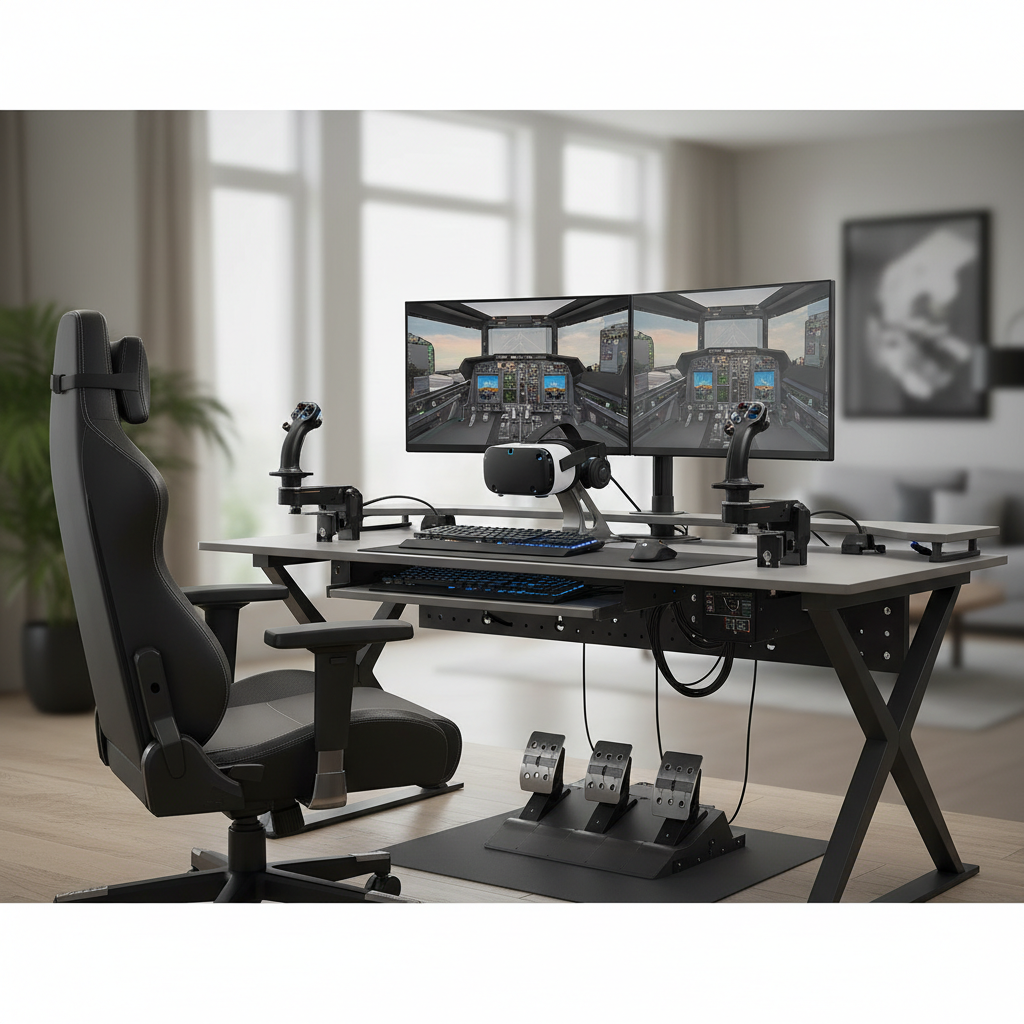
One quick note before we get into gear: most “VR problems” aren’t VR problems, they’re control feel problems. If your stick has smooth, repeatable inputs and you can find the right buttons by muscle memory, VR becomes easier, not harder.
What makes a VR flight stick different from a regular pick
In VR, you can’t comfortably hunt for switches with your eyes, so a good stick needs a layout you can memorize and a feel you can predict. That changes the priority list.
- Ergonomics you can navigate blind: Hat switches and primary buttons should sit where your thumb naturally rests, not where they look cool in photos.
- Stable centering and smooth deflection: Many people notice micro-jitter more in VR because the world scale makes small oscillations feel bigger.
- Mounting friendliness: Desk wobble breaks immersion fast, so stick bases, clamp options, and mounting holes matter more than you expect.
- Enough inputs without menu diving: VR rewards having trim, comms, weapon select, and view controls under your hands.
According to the Federal Aviation Administration (FAA), spatial orientation and control coordination are core piloting skills, and while sim flying is not real flight, the principle carries over: consistent control response helps you build reliable habits.
Quick comparison table (what to look at first)
If you want a fast filter, start here. The “best” option depends on whether you value precision, comfort, or a full control ecosystem.
| What you care about | Prioritize | Why it matters in VR |
|---|---|---|
| Precision for formation, AAR, carrier landings | Metal gimbal, adjustable cams/springs, contactless sensors | Predictable centering reduces overcorrection |
| Comfort for long sessions | Grip shape, reachable hats, light but controlled resistance | Less fatigue, fewer “where is that button?” moments |
| Budget-friendly setup | Reliable midrange stick + simple throttle later | Good fundamentals beat extra features you can’t use |
| Space constraints | Compact base, easy clamp, minimal desk travel | Prevents headset cable snags and desk drift |
| Modern sim variety (MSFS + DCS + IL-2) | Good profiles/software, lots of hats, stable drivers | Less time rebinding, more time flying |
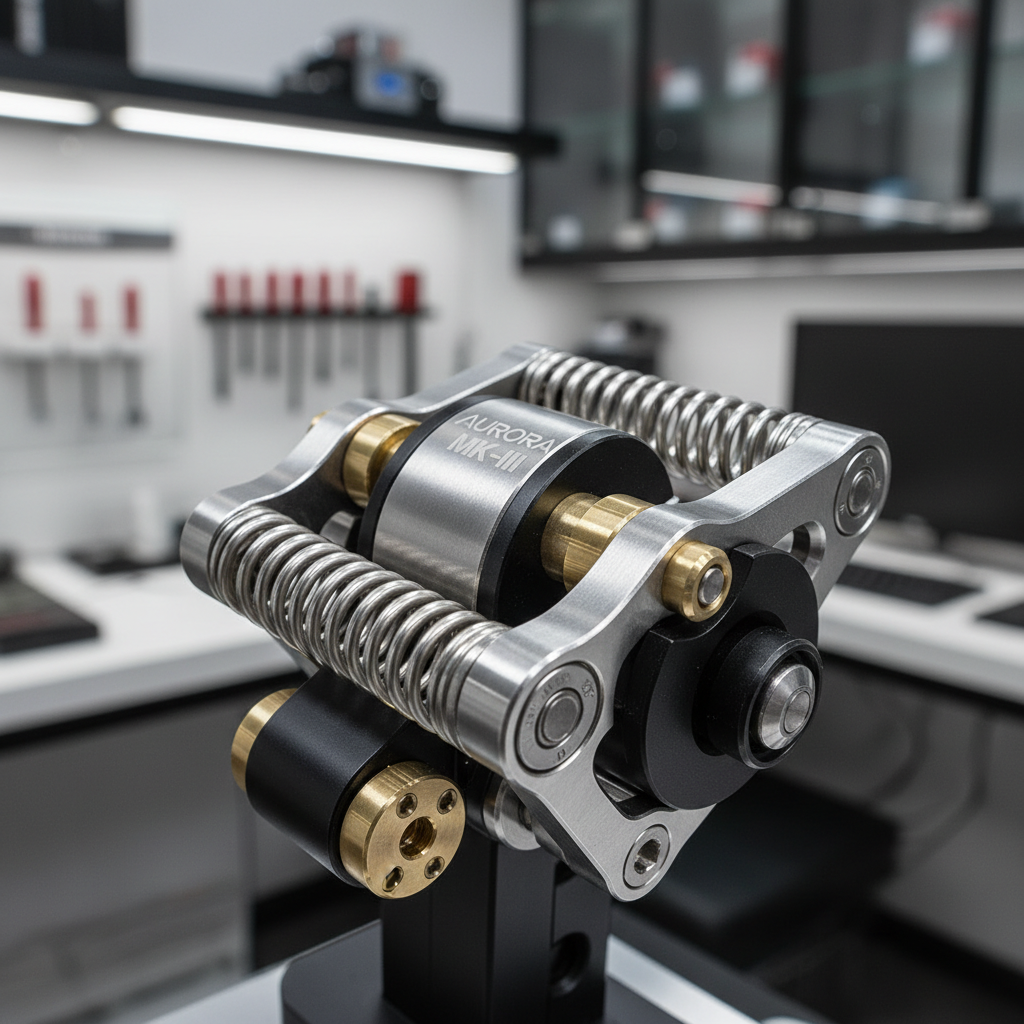
Key takeaway: in VR, you’re usually happier with fewer features that feel excellent than more features that feel inconsistent.
Best VR flight stick 2026: how to choose by your sim style
For best vr flight stick 2026 shopping, the cleanest approach is picking a category that matches how you fly, then narrowing by build and layout. Brand availability changes over time, but these buckets stay stable.
1) “Precision-first” sticks (serious DCS / combat focus)
These typically use a sturdier gimbal design and let you tune resistance. In VR, that tuning matters because it helps you stop “porpoising” the nose on final or during refueling.
- Look for: contactless sensors (Hall effect or similar), adjustable spring tension, solid mounting options.
- VR-friendly bonus: distinct hat shapes and spacing so your thumb knows what it touched.
- Tradeoff: higher cost, heavier footprint, you may want a mount instead of desk use.
2) “Comfort and versatility” sticks (MSFS + casual DCS)
If you bounce between airliners, GA, and the occasional fighter sortie, you want a grip that stays comfortable and a button layout that covers trim, comms, and autopilot actions without acrobatics.
- Look for: a comfortable palm rest, a reliable twist axis if you don’t own pedals, a couple of hats you can memorize fast.
- VR-friendly bonus: moderate resistance that doesn’t make your wrist fight the stick for two hours.
- Tradeoff: may have more plastic in the mechanism, less “surgical” feel near center.
3) “Budget but not painful” sticks (first VR cockpit)
This is where many people end up if they’re testing VR flight sim life. The mistake is buying the cheapest option and then blaming VR for the frustration.
- Look for: stable centering, decent base weight or clamp, enough buttons to avoid the keyboard.
- VR-friendly bonus: a clear tactile difference between your main trigger, hat, and top buttons.
- Tradeoff: fewer tuning options, and long-term durability can vary by model.
A fast self-checklist (you’ll know your category in 60 seconds)
If you’re unsure where you land, answer these honestly. Most buyers can avoid a regret purchase right here.
- Do you do air-to-air refueling, helicopter hover work, or tight formation often? If yes, lean precision-first.
- Do you fly 60–120 minute legs in MSFS and hate hand fatigue? If yes, lean comfort and versatility.
- Do you lack pedals and rely on twist rudder? Then twist quality becomes non-negotiable.
- Is your desk lightweight or shaky? Prioritize mounting or a heavier base before chasing more buttons.
- Do you constantly “lose” buttons in VR? Pick grips with distinct hats and fewer look-alike buttons.
Rule of thumb: if you can’t find trim and comms without looking, you’ll feel behind the airplane in VR even with a great headset.
Practical setup steps that make any stick feel better in VR
Even the best vr flight stick 2026 contender will feel mediocre if the setup fights you. These are the fixes that usually deliver the biggest “oh, that’s better” moment.
Dial in hardware placement before touching software
- Height: aim for forearm roughly level, wrist neutral, shoulder relaxed.
- Distance: close enough that you’re not reaching, far enough that full deflection doesn’t hit your chair.
- Mounting: if the base shifts during aggressive inputs, clamp it or mount it, don’t “learn around” it.
Set sane curves and deadzones (don’t overdo it)
Many VR pilots stack huge curves to “smooth” inputs, then wonder why the aircraft feels vague. Start modest.
- Deadzones: keep small, only enough to cancel noise or worn-center wobble.
- Curves: mild curve can help helicopters and refueling, but too much makes landing flares weird.
- Saturation: use only if you physically can’t reach full deflection comfortably.
According to NASA, simulator training research often emphasizes the importance of appropriate control-response characteristics for skill transfer and workload management, and while your home setup differs, you still benefit from predictable inputs.
Map “VR-critical” actions to muscle memory
- Trim (pitch/roll) and trim reset
- Push-to-talk / comms
- Autopilot disconnect (MSFS) or weapon release / pickle (combat)
- VR recenter and a quick “pause” control
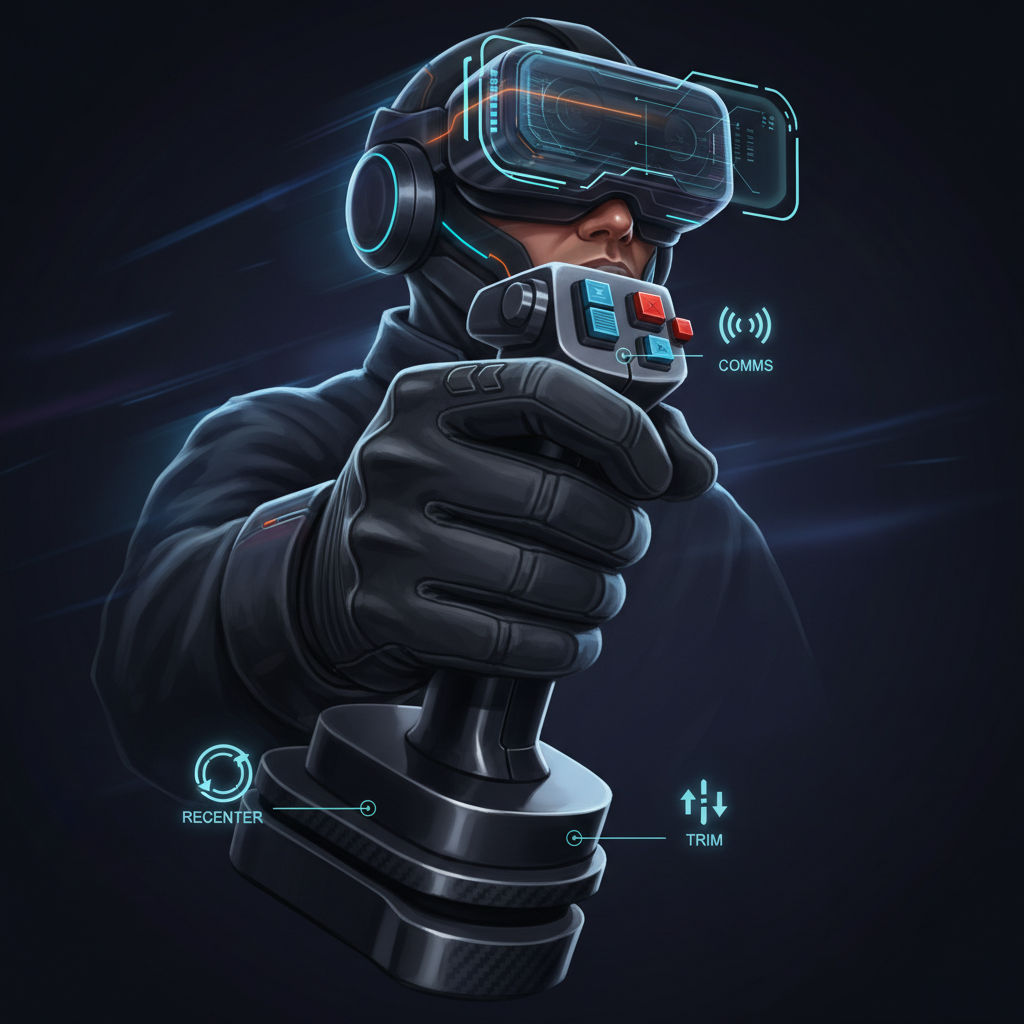
This is the unglamorous part, but it’s what makes VR feel “effortless” later.
Common mistakes people make when buying a VR flight stick
These come up constantly, especially when someone upgrades their headset and expects controls to magically improve.
- Buying for looks, not feel: a replica grip can be great, but if the hats feel identical, VR operation becomes clumsy.
- Ignoring the throttle plan: if you fly jets, you’ll likely want a throttle soon, and some ecosystems integrate better than mix-and-match.
- Overpaying for “more buttons”: if you can’t find them in VR, they don’t help, they slow you down.
- Desk drift: people blame tracking, but the real issue is the stick creeping across the desk mid-fight.
- Chasing extreme curves: you end up with a setup that feels calm, but not accurate.
When it’s worth getting expert help (or at least a second opinion)
If you share a setup with a family member, have limited mobility, or you’re dealing with wrist/shoulder discomfort, a “normal” stick recommendation might not fit. In those cases, it may be worth asking a physical therapist or qualified ergonomics specialist for guidance, especially if pain persists.
It’s also smart to ask your sim community for feedback if you’re planning a full mount, extension, or custom chair setup. Those purchases get expensive fast, and small fit issues show up more in VR because you can’t compensate by glancing down.
Conclusion: the best pick is the one you can fly without thinking about it
best vr flight stick 2026 isn’t a single product as much as a match between your sim style, your space, and the kind of control feel your brain trusts. If you want one action step, measure your desk and decide whether you’ll mount or clamp, then pick a stick category that fits how you fly most weeks, not how you fly on your best day.
If you do that, you’ll spend less time rebinding and more time getting the one thing VR does better than anything else: making the cockpit feel real.