
best apps for meta quest 3 2026 is a search that usually means one thing: you already own the headset (or you’re about to), and you don’t want to waste money or time bouncing between “cool demos” that you never open again.
Quest 3 has a strong library, but the real difference comes from picking apps that match how you actually use VR, quick sessions after work, long fitness blocks, co-op nights, creative tinkering, or focused productivity.
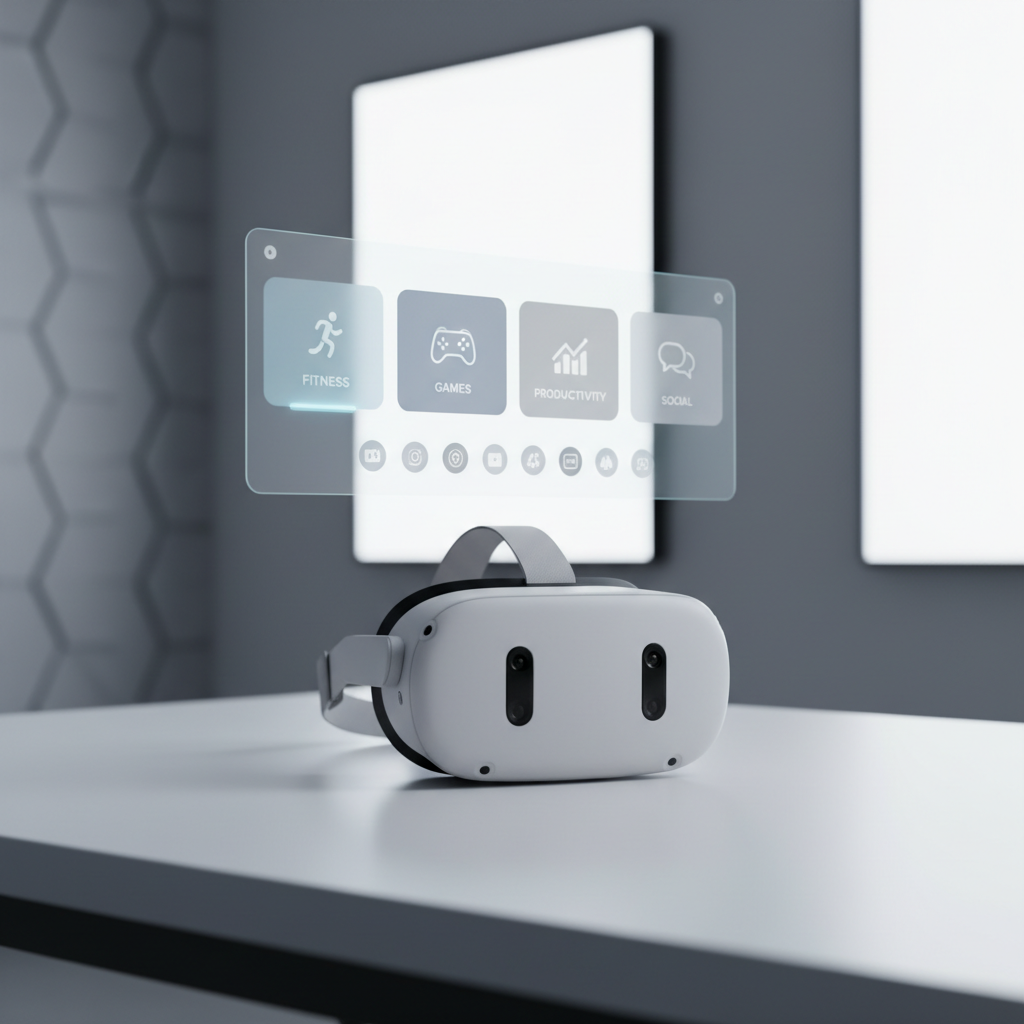
This guide stays practical, what to install first, what to skip unless you love that genre, and what settings make these apps feel better on your face and on your stomach.
Quick shortlist: the apps most people keep installed
If you want the “install these and you’re set” version, start here. These picks tend to hold up because they either have strong replay value, solve a real problem, or become part of a weekly routine.
- Beat Saber (rhythm): still the default “show VR to friends” app, and it doubles as light cardio.
- Supernatural (fitness subscription): guided workouts with coaching, great when motivation is the bottleneck.
- VRChat (social): massive community, endless worlds, but you’ll want to manage comfort and privacy settings.
- Walkabout Mini Golf (casual multiplayer): easy to learn, consistently fun, low motion sickness risk.
- Red Matter 2 (single-player adventure): one of the cleaner “wow, this looks sharp” experiences on standalone.
- Virtual Desktop (PC streaming/productivity): for many households this becomes the bridge to a bigger library and better work setups.
- Bigscreen (watch together): a simple way to turn VR into a social living room.
According to Meta, comfort and safety features like the Guardian boundary and “Comfort” ratings exist to reduce risk during play, use them as your filter when you’re unsure about a title’s movement style.
The “best apps” depends on your goal (so pick a lane)
Most regret purchases happen when people buy “top rated” games that don’t match their play habits. A better approach is to choose 1–2 anchors per category, then expand only after you prove you’ll actually use them.
If you want daily fitness
- Supernatural: structured coaching, variety, and music licensing usually feel premium, but the subscription only makes sense if you’ll use it weekly.
- Les Mills Bodycombat: no-nonsense workouts, good for people who want fewer social features and more punching combos.
- Pistol Whip: a “game first” cardio option, ideal when you hate the word workout.
If you want low-stress multiplayer
- Walkabout Mini Golf: voice chat friendly, easy to invite friends, short match lengths.
- Demeo: tabletop strategy vibes, slower pace, great if you like board games.
- Among Us VR: chaotic in a good way, but best with friends and good voice settings.
If you want “showpiece” visuals and story
- Red Matter 2: polished environments and satisfying pacing.
- The Walking Dead: Saints & Sinners: deeper systems, more intensity, not for everyone.
- Moss / Moss: Book II: comfy, charming, and a nice break from first-person games.
Recommended picks by use case (with a comparison table)
Below is a realistic way to evaluate the best apps for meta quest 3 2026: not “what’s popular,” but “what fits my sessions.” Comfort is a big deal, because a 10/10 game you can’t play for more than 15 minutes won’t become your favorite.
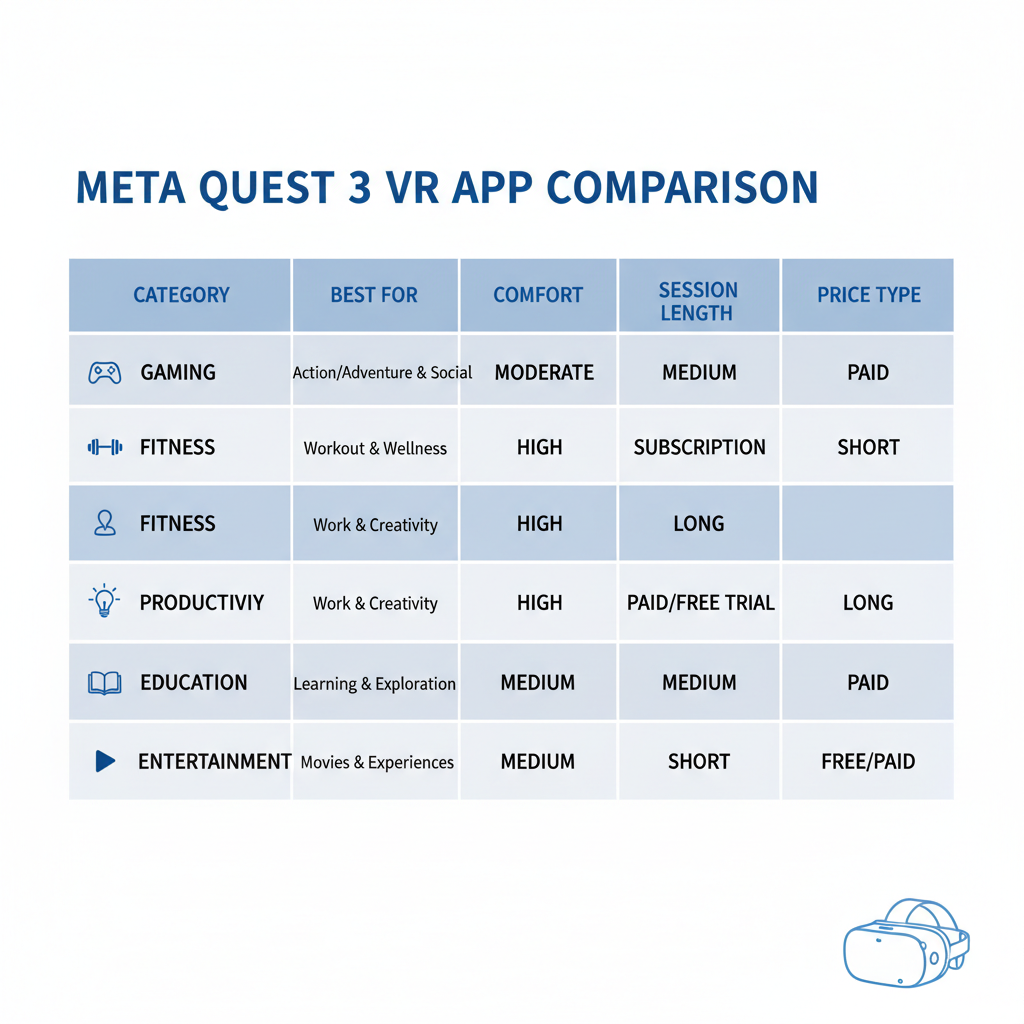
| App | Best for | Typical session | Comfort notes | Cost style |
|---|---|---|---|---|
| Beat Saber | Quick fun + cardio | 10–30 min | Usually comfortable, room-scale | Paid + DLC |
| Supernatural | Guided fitness habit | 20–45 min | Stationary-friendly, sweat factor | Subscription |
| Walkabout Mini Golf | Chill co-op | 15–60 min | Very comfortable for most people | Paid + courses |
| Virtual Desktop | PC VR + remote desktop | 30–120 min | Comfort depends on content streamed | Paid |
| Bigscreen | Movies + watch parties | 30–120 min | Low motion, eye comfort matters | Free + rentals |
| VRChat | Social worlds | 20–120 min | Can vary by world locomotion | Free |
Small reality check: “comfort” is personal. If you’re new to VR, prioritize stationary, teleport movement, or mixed reality options until your tolerance builds.
How to choose in 5 minutes (a self-check list)
When people ask for the best apps for meta quest 3 2026, what they often need is a quick filter. Use this checklist before you hit Buy.
- Session length: do you realistically play 15 minutes or 90 minutes?
- Movement tolerance: do you feel weird in smooth locomotion games, or are you fine?
- Why VR (honest version): fitness, social, story, competitive, creativity, or “I want a big screen.”
- Space: standing room only, or you can do room-scale safely?
- Budget style: one-time purchases feel better than subscriptions, or you want fresh content drops?
- Solo vs friends: if friends won’t join, will you still play it?
If you check “short sessions” and “low tolerance,” start with Beat Saber, Walkabout Mini Golf, Moss, and Bigscreen, then expand later.
Setup tips that make good apps feel great on Quest 3
This part is less exciting than a top-10 list, but it’s where comfort and clarity come from. Many “this app is blurry” complaints are really fit, lens, and lighting issues.
- Dial in lens spacing and strap fit: a stable fit reduces blur and headaches, and it keeps motion smoother.
- Use the right comfort setting in each app: snap turning, vignette, teleport, these exist for a reason.
- Clear your play area: Guardian is helpful, but it won’t stop your hand from smacking a lamp.
- Audio matters: a simple set of earbuds can make rhythm and cinematic apps feel more “there.”
- For PC streaming: good Wi‑Fi and router placement often matter more than raw internet speed.
According to the U.S. Consumer Product Safety Commission (CPSC), consumer safety guidance generally starts with preventing trip-and-fall hazards and using products as intended, treat your VR space the same way.
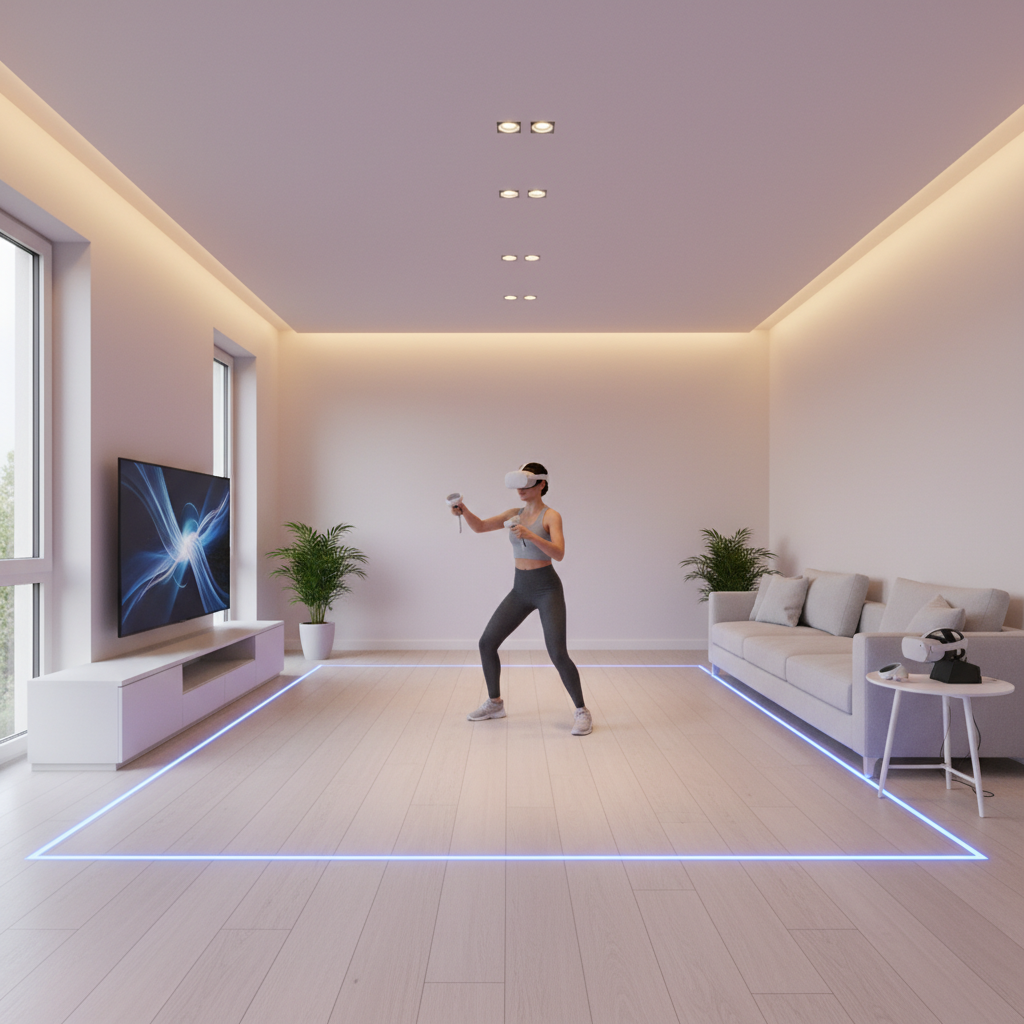
If you experience nausea, headaches, or eye strain, stop and take a break, and if symptoms persist, it’s smart to consult a medical professional since comfort sensitivity varies a lot by person.
Practical “starter bundle” installs for three common users
Not everyone needs a giant library. Here are three bundles that usually cover 80% of what people actually do on Quest 3, with minimal overlap.
Bundle A: New to VR, want comfort-first
- Walkabout Mini Golf for easy social play
- Moss for story without motion stress
- Bigscreen for relaxed “big TV” nights
- Beat Saber once you want more energy
Bundle B: Fitness habit + quick dopamine
- Supernatural or Les Mills Bodycombat
- Beat Saber for music sessions
- Pistol Whip when you want intensity
Bundle C: PC-curious, wants the bigger ecosystem
- Virtual Desktop (or Meta’s PC options) to stream PC VR
- Bigscreen for social viewing
- A single “showpiece” native title like Red Matter 2 to appreciate standalone quality
Once you’ve used a bundle for two weeks, you’ll know what to buy next. That’s the simplest way to avoid a dusty library.
Common mistakes (and what to do instead)
- Buying only “top rated” games: ratings don’t reflect your motion tolerance, your time budget, or your friend group.
- Ignoring comfort settings: many people quit a great app because smooth turning made them feel off.
- Assuming mixed reality equals no discomfort: MR can help, but fast movement and camera passthrough can still bother some users.
- Going all-in on subscriptions too early: try one, track usage for a month, then decide.
- Skipping refunds/return windows: if an app doesn’t fit your body or your schedule, don’t “hope it clicks.”
If you’re curating best apps for meta quest 3 2026 for a family, add a quick profile and privacy pass too, shared headsets get messy fast without simple guardrails.
Conclusion: a small library you love beats a huge one you don’t open
The best apps for meta quest 3 2026 usually aren’t the most hyped titles, they’re the ones that fit your real life: your comfort level, your space, and whether you prefer short bursts or long sessions.
Action step 1: pick one anchor app for your main goal (fitness, social, story, or PC streaming), install it tonight, and use it three times this week.
Action step 2: add one “stretch” app outside your usual taste, but only after you confirm you’re comfortable with its movement style.