
best vr tps games 2026 is a search you make when you want that over-the-shoulder rush in VR, but you also want to avoid wasting money on ports that feel clunky, nauseating, or weirdly unfinished.
Third-person shooters in VR can be fantastic, you get tactical awareness, readable enemy patterns, and less “arms-waving fatigue” than many first-person titles, but the category is messy because locomotion, camera behavior, and cover systems vary a lot from game to game.
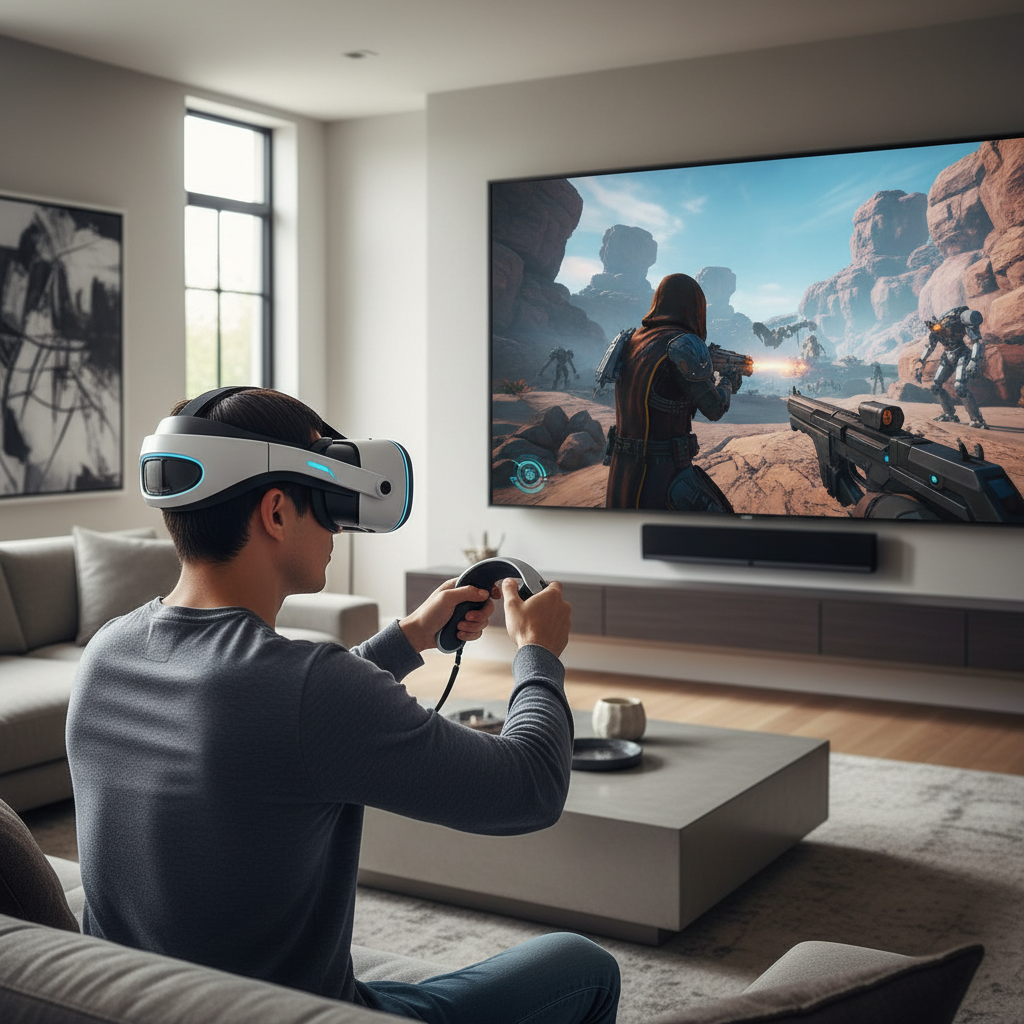
This guide is built for how people actually choose in 2026: comfort first, then “does aiming feel right,” then co-op and replay value, then platform friction. I’ll also call out common traps like chasing “best graphics” while ignoring camera comfort.
What “TPS in VR” means in 2026 (and why it feels different)
In VR, a TPS label usually points to one of three camera styles, and the comfort level can change dramatically between them. If you pick the wrong style for your tolerance, even a great game can end up unplayed.
- Over-the-shoulder follow cam: the character stays in front of you, camera trails behind. Often comfortable, but can feel “floaty” if acceleration is aggressive.
- Room-scale diorama: you control a character in a miniature world, you lean and peek like a tabletop commander. Usually very comfort-friendly.
- Hybrid TPS/aiming: movement is third-person, but aiming or special actions pull you into a tighter view. Fun, but more likely to trigger discomfort if transitions are snappy.
One more wrinkle, many VR TPS games lean on cover mechanics, and cover in VR only works when the game gets camera placement and collision right. When it doesn’t, you feel it immediately.
Quick comparison table: how to shortlist the best picks
Because the “best vr tps games 2026” list changes with patches and new releases, the practical move is to shortlist by fit, not by hype. Use this table as a filter before you dive into reviews.
| What you care about | Look for | Green flags | Red flags |
|---|---|---|---|
| Comfort | Stable camera, vignette options | Teleport/ snap-turn toggles, speed sliders | Forced smooth turn, fixed high speed |
| Aiming feel | Controller mapping, assisted aim options | Separate hand aim + character facing settings | Weapon drifts, no calibration |
| Cover & movement | Sticky cover, lean/peek support | Clear snap-to-cover cues, forgiving collision | Camera clips into walls, cover breaks often |
| Co-op | Drop-in co-op, crossplay | Ping/voice tools, roles or builds | Long matchmaking, no reconnection |
| Replay value | Progression, modifiers, challenges | Daily/weekly runs, meaningful unlocks | One-and-done campaign, thin endgame |
What usually makes a VR TPS “feel good” (and what breaks it)
If you’ve tried a few and bounced off, it’s rarely because you “don’t like third-person.” Most drop-offs happen for a few predictable reasons.
Camera behavior and acceleration
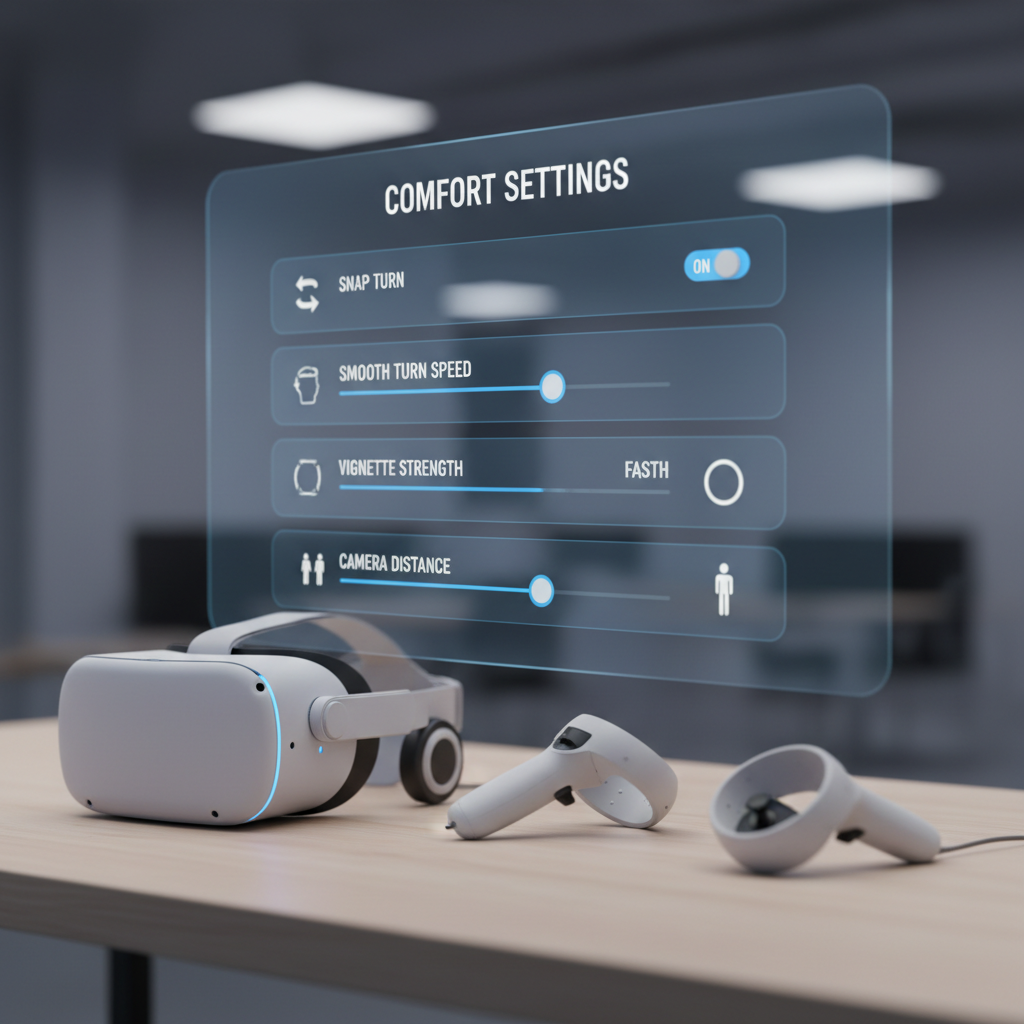
VR comfort is very individual, but abrupt camera acceleration and tight follow distance tend to cause issues faster. A game can look smooth in trailers and still feel wrong when the camera lags behind turns.
- Good sign: adjustable camera distance, turn speed, and comfort vignette.
- Bad sign: no settings beyond “comfort on/off,” especially if “off” is the default.
Cover systems that respect VR space
“Sticky cover” sounds old-school, but in VR it often saves you from awkward body contortions. The best implementations let you lean naturally and keep your hands doing the aiming, without fighting geometry.
Weapon handling and calibration
Because you’re aiming with motion controllers, small tracking quirks or poorly tuned recoil can ruin otherwise solid shooting. Many people end up enjoying a title only after changing grip angle, dominant eye settings, or aim smoothing.
According to Meta, taking regular breaks and using comfort settings can reduce motion discomfort for many users, and that advice translates directly to TPS games with camera motion.
A fast self-check: which type of player are you?
Before buying anything, be honest about what you want your sessions to feel like. This takes two minutes and saves you from “wishlist regret.”
- You get motion sick easily: prioritize diorama-style or games with lots of camera/turn options, avoid forced smooth turning at high speed.
- You want sweaty skill shots: look for advanced aiming calibration, manual reload options, and difficulty modifiers that reward precision.
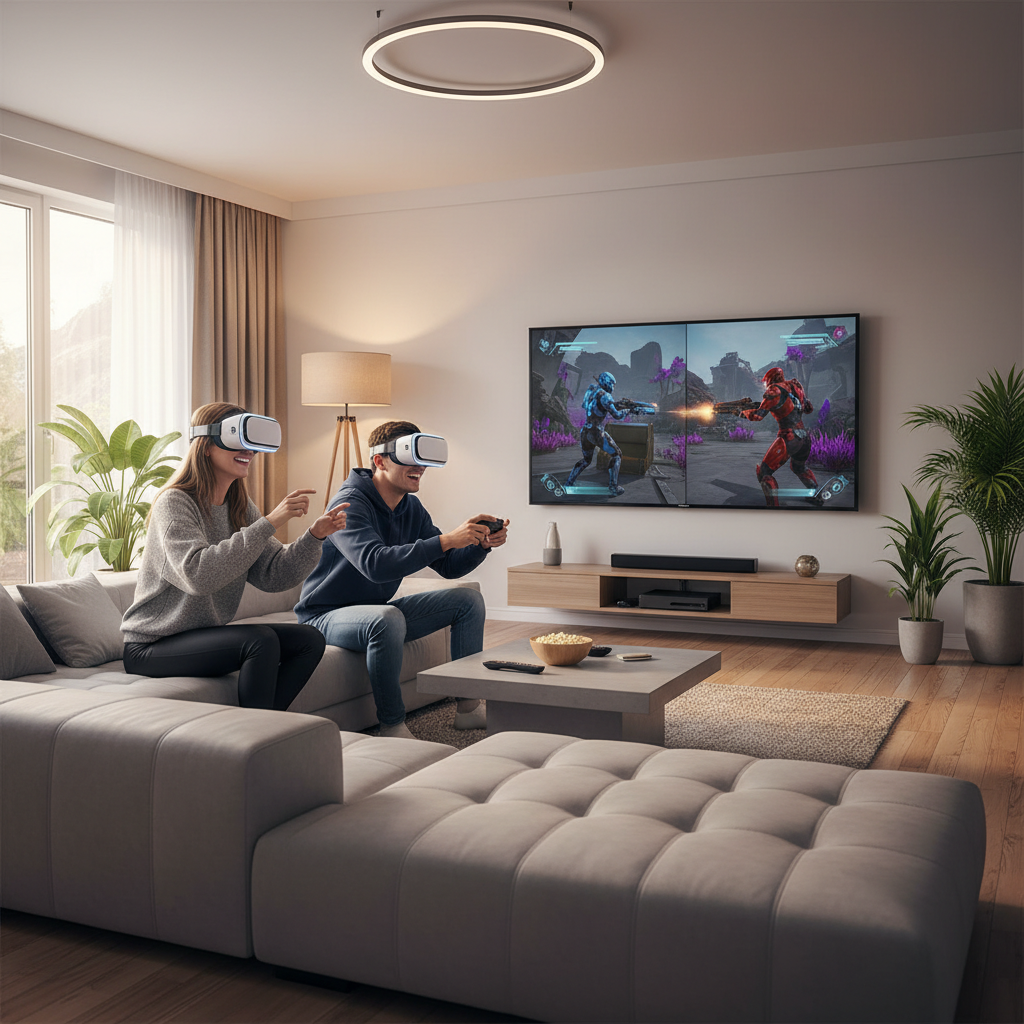
- You mostly play with friends: co-op stability matters more than single-player campaign length, check reconnection and party flow.
- You play in a small space: avoid titles that require wide arm swings or frequent 180-degree physical turns, prioritize snap-turn and seated modes.
- You hate fiddling with settings: stick to titles known for good defaults and clear onboarding, many “simmy” shooters assume you’ll tweak.
If you’re shopping specifically for best vr tps games 2026 on a new headset, add one more check: confirm the game’s current support status and the last patch date, because VR titles can change a lot after launch.
How to pick the right game in 15 minutes (practical steps)
Here’s a realistic workflow that matches how most people buy VR games now: quick research, fast elimination, then a decision that fits your tolerance.
Step 1: Lock your non-negotiables
- Comfort requirement: snap-turn available, vignette optional, seated support if needed
- Play mode: solo campaign, co-op, or roguelite loops
- Platform: Quest/PC VR/PS VR2, and whether you’re okay with mods
Step 2: Watch for “camera honesty” in gameplay clips
Don’t rely on cinematic trailers. Look for raw gameplay that includes turning, sprinting, cover transitions, and aiming under pressure, because that’s where VR TPS games either click or fall apart.
Step 3: Check options screens before you buy
This sounds picky, but it’s a great tell. If a title ships with detailed locomotion and camera settings, it usually means the developers tested across more comfort profiles.
Step 4: Validate co-op with recent comments
If co-op matters, make sure impressions are recent. Network stability and matchmaking quality tend to change patch to patch, and older reviews can be misleading.
Key recommendations: what to prioritize for “best” in 2026
You’ll see lots of lists claiming they found the one definitive winner. In practice, the best vr tps games 2026 tend to be the ones that nail fundamentals and keep supporting the game.
- Comfort and control depth beat raw visuals. High-resolution textures don’t matter if the camera makes you quit after 20 minutes.
- Clear third-person readability matters more in VR. You should be able to parse threats without constantly wrestling the camera.
- Good onboarding is a feature. Tutorials that teach cover, peeking, and grenade arcs save a lot of frustration.
- Ongoing support is part of the product. Look for consistent patches, not just launch-day promises.
Key takeaway: if a VR TPS gives you granular camera settings, reliable cover, and aiming that feels “predictable,” it usually earns more playtime than a flashier but finicky alternative.
Common mistakes (the stuff that wastes money)
These are the patterns that show up again and again when people hunt for the best vr tps games 2026 and end up disappointed.
- Buying for “everyone says it’s hard-core”, then realizing the default comfort settings are too intense for your tolerance.
- Ignoring play space, then finding out the game expects lots of physical turning or wide gestures.
- Overweighting Metacritic-style scores, because VR comfort and controller ergonomics are personal in a way flat-screen reviews often miss.
- Assuming all third-person is comfortable, when certain follow-cam implementations can feel worse than first-person.
- Skipping refunds/return windows, even though VR is one of the few categories where “try it” is genuinely important.
If you’re sensitive to motion discomfort, consider building tolerance gradually and stop if you feel off, and if symptoms persist it may be worth consulting a healthcare professional.
Wrap-up: a simple way to decide tonight
If you want a clean way to choose, pick two candidates, then decide based on comfort options and aiming calibration rather than marketing. For most players, that’s what separates a “cool idea” from a staple game you return to.
Action steps: open the store pages for your two finalists, confirm camera and locomotion settings in recent gameplay clips, then buy the one that looks easiest to tune for your body and your space.
FAQ
- What qualifies as a TPS in VR vs a first-person shooter?
It’s mainly about camera perspective. A VR TPS keeps your character on screen and places the camera behind or above them, while FPS locks the camera to your head position. - Are third-person VR shooters more comfortable?
Often they can be, especially diorama-style games, but follow-cam movement can still cause discomfort for some people, so settings matter. - What comfort settings should I look for in VR TPS games?
Snap turning, adjustable turn speed, optional vignette, camera distance control, and seated mode are the big ones that usually help. - Is co-op worth prioritizing for VR TPS games in 2026?
If you play regularly with friends, yes. A slightly shorter game with stable drop-in co-op often delivers more value than a longer solo campaign you never finish. - How do I know if aiming will feel good on my headset?
Look for calibration options like dominant eye selection, grip/angle offsets, aim smoothing, and controller remapping, and watch raw gameplay that shows recoil and reload behavior. - Should I choose Quest standalone or PC VR for third-person shooters?
PC VR may offer sharper visuals and more headroom, but standalone tends to be simpler and more consistent. The “right” choice depends on your tolerance for setup and your hardware. - Do VR TPS games require a lot of physical movement?
Many don’t, but some encourage leaning, peeking, or wider arm motions. If you have limited space or mobility concerns, prioritize seated support and sticky cover mechanics.
If you’re still torn between a few options, a quick shortlist based on your comfort profile and whether you want solo or co-op usually gets you to the right purchase faster than reading fifty reviews.