
The best vr farming simulator games 2026 are the ones that match how you actually want to “farm” in VR, relaxed cabin vibes, hands-on tool work, big-machine realism, or a social co-op routine you can keep coming back to.
A lot of lists treat every farming title the same, but in VR the difference between “cozy” and “nauseating,” or “deep” and “busywork,” comes down to comfort options, interaction design, and how often the game respects your time. If you buy the wrong kind, it can feel like you paid to do chores, with a headache on top.
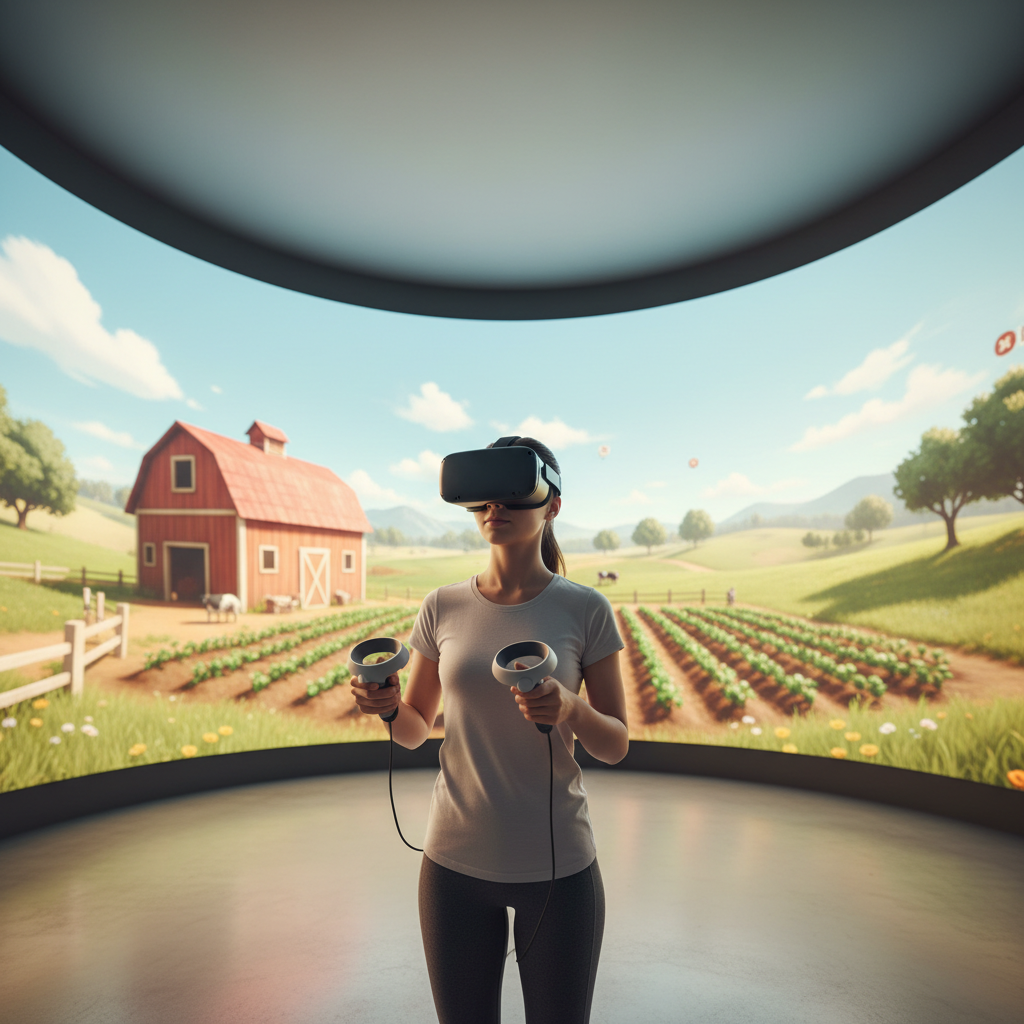
Below is a practical way to choose: what “farming” means in each game, what headsets tend to fit best, and what settings matter if you’re sensitive to motion. You’ll also get a quick comparison table and a short setup checklist you can follow before you commit.
What people mean by “VR farming simulator” (it’s not one genre)
In flat-screen gaming, a farming simulator usually points to one of two directions: realistic equipment management or cozy life-sim loops. In VR, there’s a third axis: interaction style, how much you physically do with your hands versus clicking menus.
- Cozy life-sim in VR: watering, planting, harvesting, light crafting, NPC relationships, usually comfort-first movement.
- Hands-on job sim farming: short tasks, tactile object handling, “pick up tool, do thing,” often less long-term progression.
- Serious sim with machines: driving tractors, loading trailers, planning fields, more UI and more motion risk.
- Hybrid sandbox: a bit of everything, sometimes with mods, sometimes early-access energy.
If you already know which bucket you want, your shortlist becomes much clearer.
Quick comparison table: top picks worth checking in 2026
These are framed as “best bets” rather than hard rankings, because availability and VR support can vary by platform, updates, and your headset. Use the table to narrow down, then confirm your store listing shows native VR (or the VR mode you expect) before purchase.
| Game | Best for | Play style | Comfort profile | Notes to verify |
|---|---|---|---|---|
| Farming Simulator (PC VR via mods) | Realistic machinery + big farms | Sitting / driving-heavy | Medium to high motion risk | Check current mod + version compatibility |
| Garden of the Sea | Cozy farming with light adventure | Room-scale + gentle locomotion | Comfort-friendly | Great “first farming VR” feel |
| Raccoon Lagoon | Relaxed chores + crafting loop | Grab-and-place interactions | Usually comfortable | More “island life” than strict farming |
| Viva Project (or similar farm-life VR sims) | Creature care + ranch routine | Hands-on caretaking | Comfort varies by build | Often PC-focused; check update cadence |
| General “VR gardening” sims | Short sessions, tactile planting | Room-scale | High comfort | Less progression, more vibe |
Key takeaway: if you want “real farm operations,” you often end up in PC VR territory (and sometimes mod territory). If you want a dependable, cozy loop, native VR life-sims tend to feel better tuned.
How to tell what will feel good on your headset (comfort and controls)
Comfort is the quiet dealbreaker in farming VR because the loop is repetitive: you’ll do the same motions a lot. Small discomfort becomes “I stopped playing.”
According to Meta (Quest comfort guidance in store listings), comfort ratings and locomotion options are meaningful signals for motion sensitivity. Treat them like warnings, not marketing.
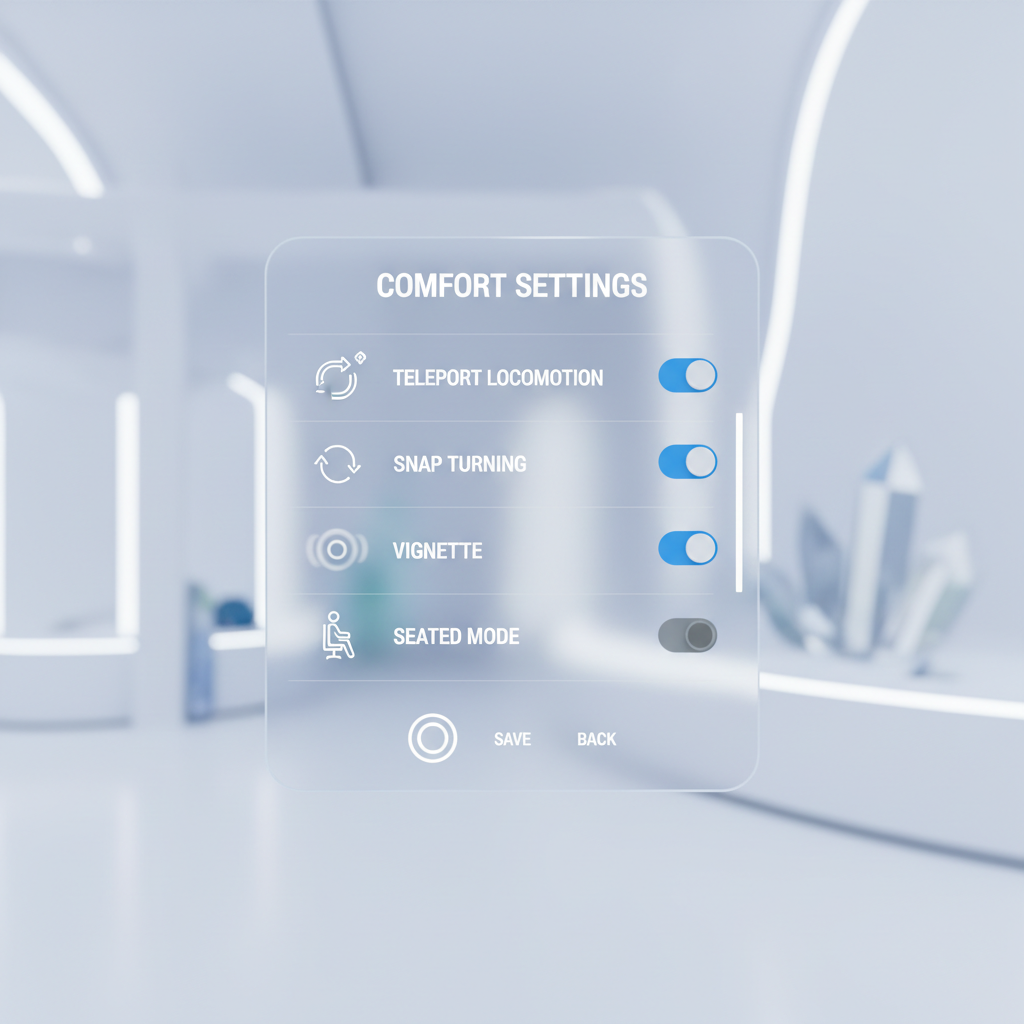
When you’re evaluating any of the best vr farming simulator games 2026 candidates, look for these features on the store page or in reviews:
- Teleport + smooth locomotion options: you want the choice, even if you think you’ll “get used to it.”
- Snap turning: reduces nausea for many players compared with smooth turning.
- Seated mode: especially if you plan long sessions managing fields or driving.
- One-handed / accessibility toggles: matters more than people expect during repetitive tasks.
- Interaction design: “grab, place, confirm” should feel forgiving, not finicky.
If a game forces smooth movement, forces smooth turning, and wants you to drive vehicles a lot, that combo is where many players bounce.
Reasons people bounce off VR farming games (and how to avoid it)
Most disappointment isn’t about graphics. It’s friction, and in VR friction feels personal.
- UI overload: flat-screen sims often rely on dense menus; in VR that can feel like busywork hovering in your face.
- Physics jank: tools that clip, objects that fall through surfaces, harvesting that misses hitboxes.
- Progression that drags: if early game is too slow, VR amplifies impatience because you’re standing and moving.
- Motion discomfort: tractors, fast turning, or camera bob can trigger nausea.
- Session length mismatch: some games want 2-hour “days,” but VR players often prefer 20–45 minute loops.
A good rule: pick titles that respect short sessions, then scale up once you know the comfort profile works for you.
Self-check: which “best” matches your play style?
Use this as a fast filter before you spend money or time installing mods.
You’ll probably like cozy farming VR if…
- You want relaxing routines, planting, watering, harvesting, and light crafting.
- You care more about vibe and tactility than realistic equipment.
- You prefer teleport, snap turn, and minimal vehicle driving.
You’ll probably prefer sim-heavy farming if…
- You want field planning, machinery, and “running an operation” decisions.
- You’re okay with seated play, steering wheels, and UI panels.
- You don’t mind troubleshooting PC VR performance and occasional mod conflicts.
You should be cautious if…
- You’ve had motion sickness in VR before, especially in driving games.
- Your play space is tight and the game expects wide arm swings.
- You only want “press play and chill,” not settings tweaking.
Practical setup tips to get a smoother first week
Even great picks from the best vr farming simulator games 2026 pool can feel bad with the wrong defaults. These small adjustments usually pay off fast.
- Start seated for any driving-heavy segment, then switch to room-scale for gardening tasks.
- Turn on vignette (comfort blinders) if smooth locomotion feels weird.
- Lower turn speed or use snap turning until your brain adapts.
- Keep sessions short: 15–25 minutes for day one or two, then extend.
- Dial in controller bindings if the game allows it, especially grip toggles and tool switching.
If you feel nausea or headaches, stop and take a break, pushing through tends to backfire. If symptoms persist across games, it may be worth asking a healthcare professional for guidance, particularly if you have a history of vestibular issues.
Buying checklist: what to verify before you hit “Purchase”
This is where people save money. Store listings can be vague, and “VR supported” can mean very different things.
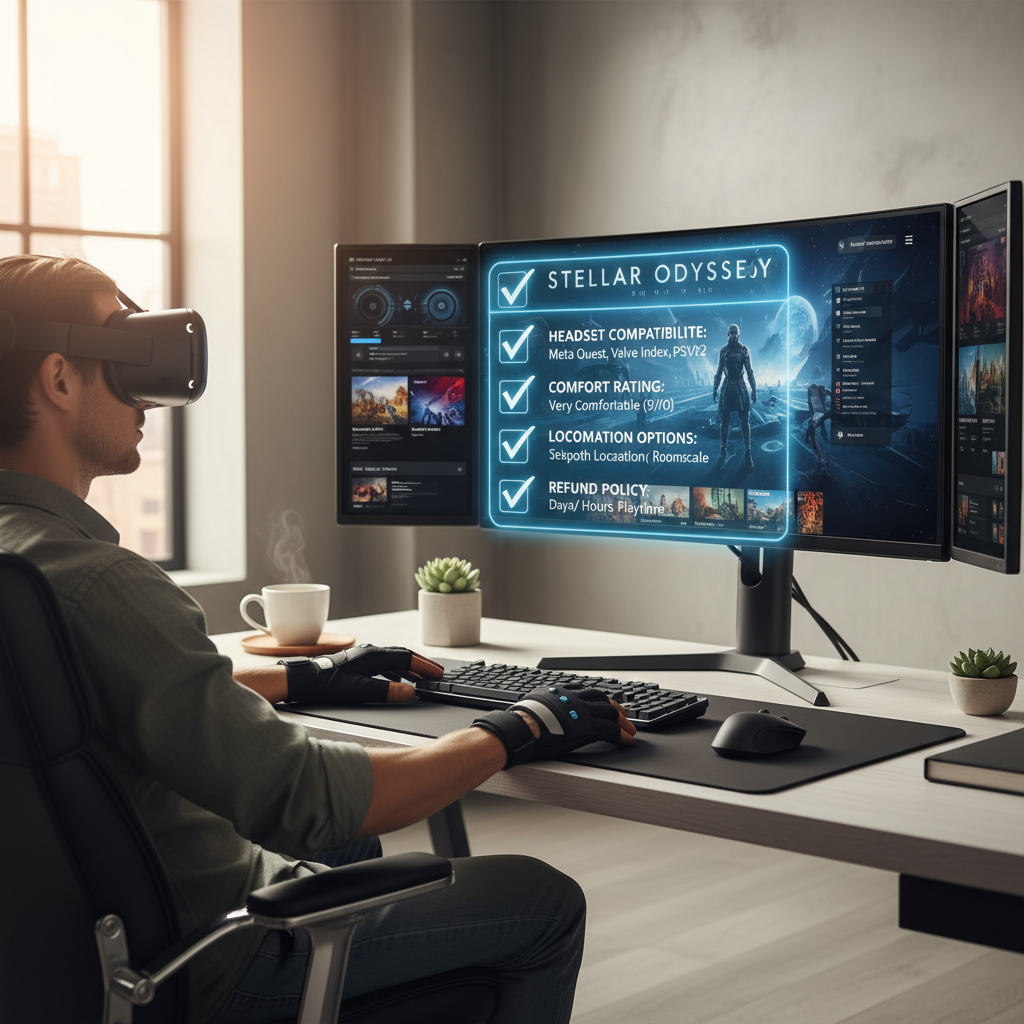
- Native VR vs mod VR: confirm what you’re actually buying and what extra setup exists.
- Your headset support: Quest standalone, PC VR (SteamVR), PS VR2, each has different constraints.
- Comfort options: teleport, snap turn, seated mode, camera effects toggles.
- Save system: farming loops need reliable saves, cloud sync is a bonus.
- Refund window: know the policy so you can test comfort safely.
According to Valve (Steam and SteamVR documentation), hardware performance and frame timing stability matter for comfort, so “it runs” is not the same as “it feels good.” If your PC is borderline, prioritize lighter native VR titles.
Conclusion: a smart way to pick your 2026 VR farming game
If you want the shortest path to fun, start with a cozy, native VR farming-style game that has strong comfort settings, then graduate to heavier simulations once you know your tolerance for driving and UI density.
Pick one title, test it inside the refund window, and tune locomotion before you judge the game. That simple order of operations is what usually separates “played twice” from “this is my weekly unwind.”
Key points to remember
- Comfort beats complexity for long-term play, especially in repetitive farming loops.
- Mod-based VR can be amazing, but expect setup and occasional breakage after updates.
- Seated driving + room-scale chores is often the sweet spot.
If you’re choosing between two options, lean toward the one with clearer VR comfort controls and fewer “required” hours before it gets good, your future self will thank you.