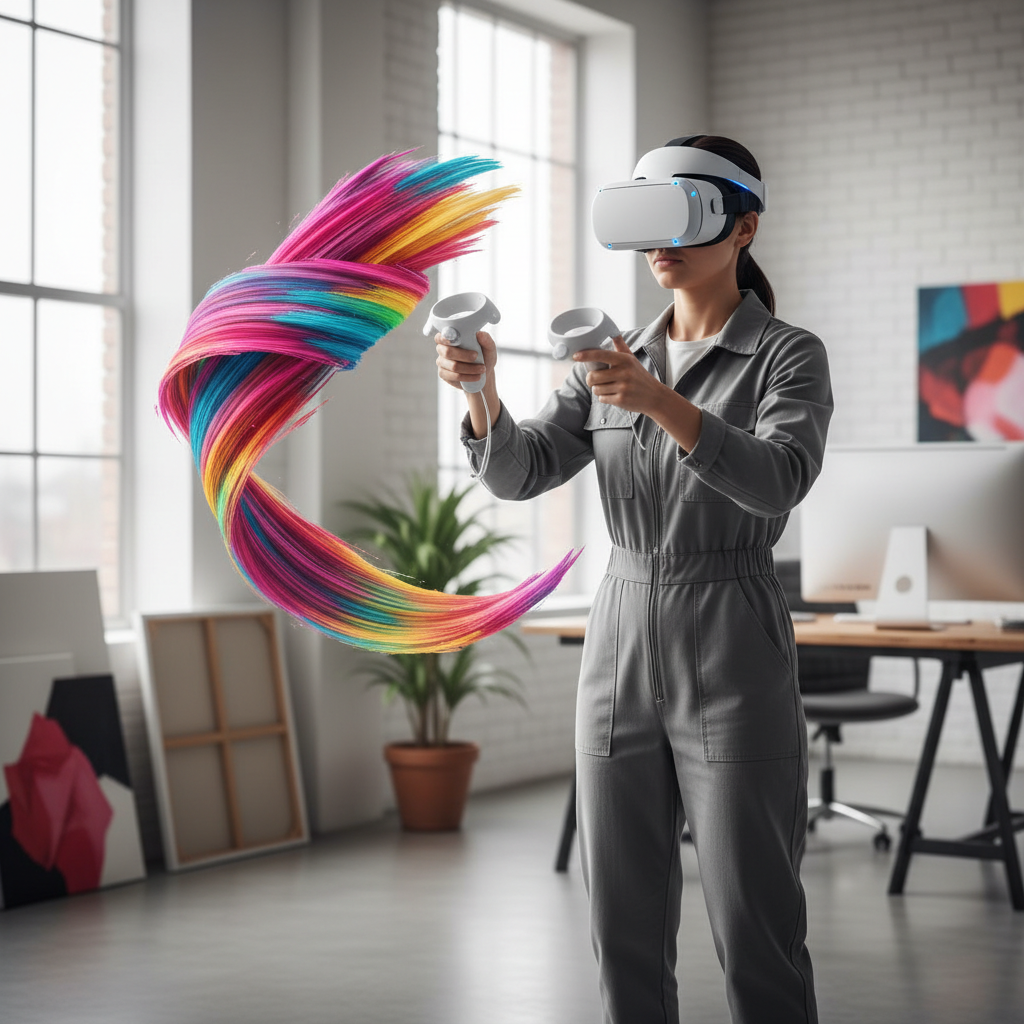
best vr art apps 2026 searches usually come from one place: you bought a headset or dusted one off, opened a couple apps, and realized “VR art” can mean totally different workflows.
Some apps feel like sketchbooks in midair, others act like full 3D studios, and a few are really about sculpting with your hands. If you pick the wrong category, you end up fighting the tool instead of making art.
This guide breaks the landscape into practical buckets, then gives a short list of strong options per use case, plus a quick decision checklist, setup tips, and common pitfalls I see people hit.
Key takeaways: pick the app based on output format and your tolerance for “VR UI,” not hype, and expect to pair one creation app with a separate export, render, or capture workflow.
What “VR art” means in 2026 (and why it matters)
VR art tools typically fall into three lanes, and they reward different skills.
- 3D painting: you draw in space with strokes, ribbons, particles, light, and volumetric brushes. Great for concept visuals and motion-friendly pieces.
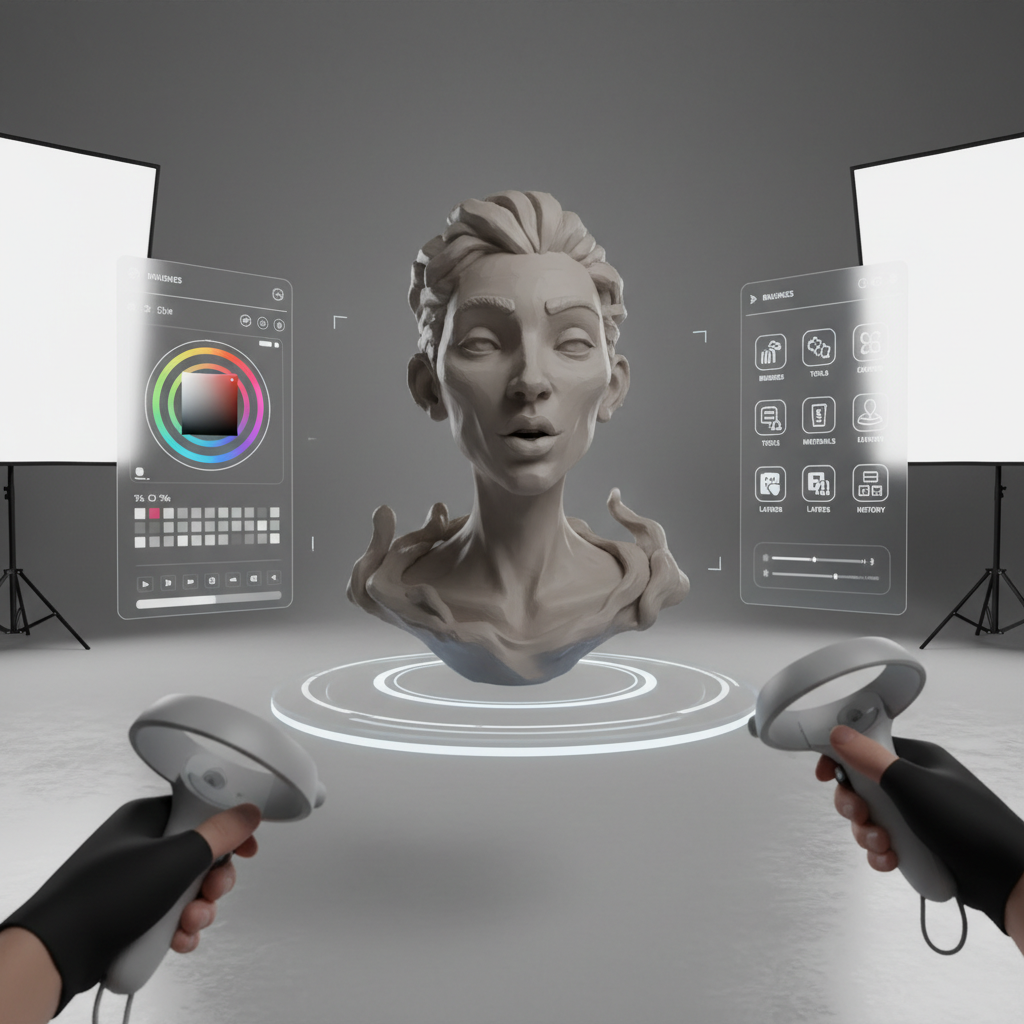
- 3D sculpting: you shape forms like digital clay, often aiming for real assets you can export for games, animation, or 3D printing.
- Spatial design: you block out scenes, rooms, and set dressing, sometimes closer to “worldbuilding” than illustration.
Before you choose an app, decide what “done” looks like. A looping MP4 for Instagram, a glTF for a portfolio site, a mesh to finish in Blender, or a timelapse for clients all push you toward different tools.
Quick comparison table: top picks by use case
Below is a practical shortlist. Availability and features can change by headset and store region, so treat this as a starting point and double-check the current listing.
| Use case | Best fit | Why people like it | Watch-outs |
|---|---|---|---|
| 3D painting, fast ideas | Open Brush | Comfortable, approachable, classic VR painting vibe | Export pipeline varies, not a full DCC replacement |
| Polished 3D illustration | Vermillion | Traditional-painting feel in VR, calmer pacing | More “canvas-based” than 3D scene building |
| Professional sculpting workflow | Adobe Substance 3D Modeler (VR) | Built for real assets and handoff to 3D pipelines | Hardware and ecosystem expectations can be higher |
| Indie sculpting + modeling | Shapelab | Hands-on sculpting with export-oriented mindset | Some learning curve, depends on your target format |
| Scene layout / spatial prototyping | Gravity Sketch | Strong for sketch-to-3D, curves, layout thinking | Not “painty,” more design/geometry oriented |
| VR sculpting for beginners | SculptrVR | Playful, immediate, easy to start making forms | Less ideal for production-grade asset cleanup |
Best VR art apps 2026: picks that still make sense
If you want a clean, usable shortlist for best vr art apps 2026, this section is it. These choices map to real “I need to finish something” goals, not just novelty.
Open Brush (3D painting that’s easy to love)
Open Brush carries the DNA of classic VR painting. It’s the app I point to when someone wants that “I can draw in air tonight” feeling without wrestling menus.
- Good for: quick sketches, stylized illustration, animated-feeling strokes
- Works best when: you accept VR painting as its own medium, not a Photoshop substitute
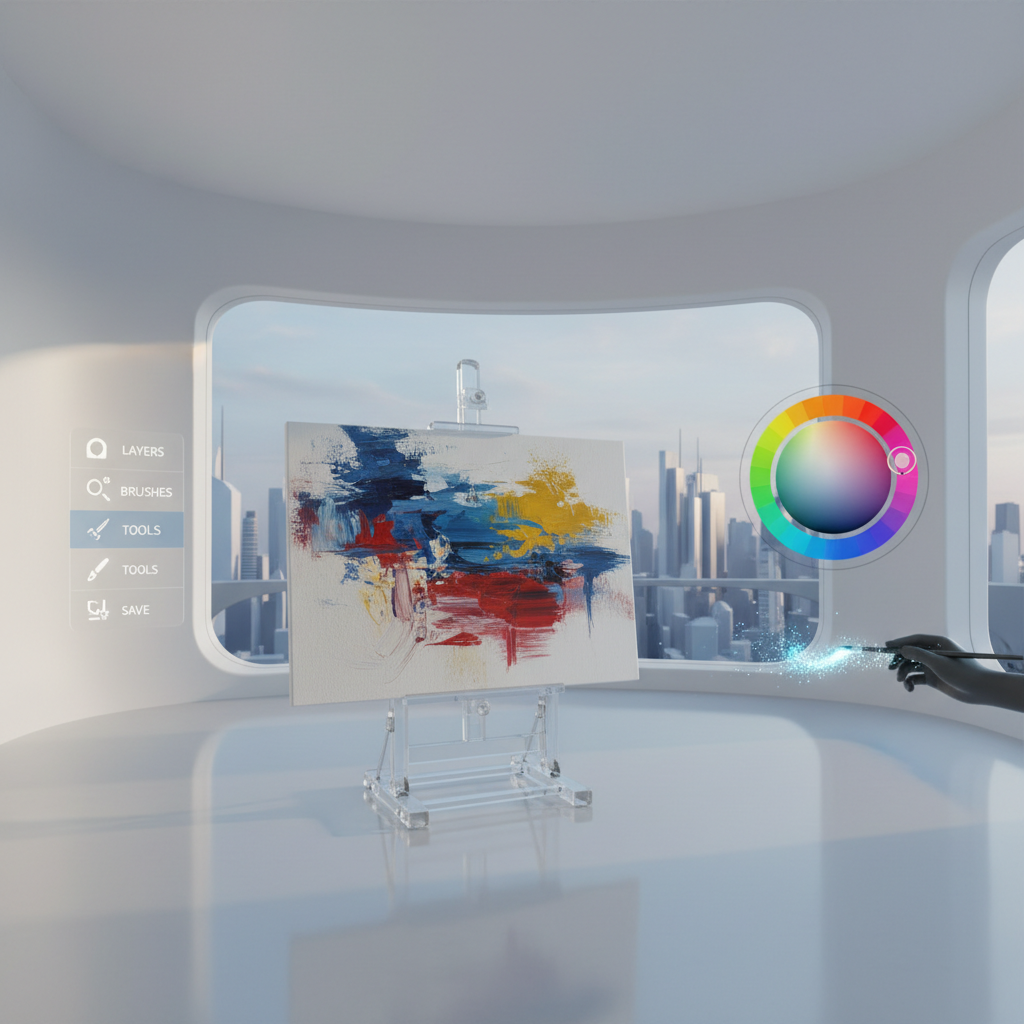
Vermillion (for people who miss real paint, but want undo)
Vermillion is more grounded: a painting setup, color mixing, a calmer studio vibe. If you tend to overthink 3D space, this can keep you productive because it feels familiar.
- Good for: studies, portrait practice, traditional techniques in a VR workspace
- Works best when: you want “canvas results” you can share easily
Adobe Substance 3D Modeler (VR sculpting with pipeline intent)
If your end goal is a usable model, not just a cool VR clip, this is one of the more “serious” directions. It’s oriented around shaping forms you can pass downstream into broader 3D workflows.
- Good for: concept sculpting that needs export, teams already in Adobe pipelines
- Works best when: you plan your handoff to retopo, UVs, and rendering elsewhere
Shapelab (hands-on sculpting without the enterprise vibe)
Shapelab often appeals to creators who want an asset-minded sculpting experience but prefer a straightforward toolset. It’s commonly used as a “blockout in VR, refine on desktop” step.
- Good for: base meshes, stylized characters, fast form exploration
- Works best when: you already know what “clean topology” means, or you’re willing to learn it
Gravity Sketch (for designers and scene thinkers)
Gravity Sketch shines when you want to sketch volumes, curves, and layouts, the kind of work that feels cramped on a 2D screen. Many people use it for product concepts, vehicles, or spatial ideation.
- Good for: curve-based modeling, composition, spatial prototypes
- Works best when: you enjoy constructing forms rather than “brushing” them
SculptrVR (playful sculpting, surprisingly productive for ideation)
SculptrVR is not trying to be a full production suite. It’s fast, fun, and gets you to “something” quickly, which is sometimes what you need to break a creative block.
- Good for: large-scale sculpting, rough worlds, collaborative play
- Works best when: you treat it as exploration and capture the output appropriately
Self-check: which app category fits you in 2 minutes
If you keep bouncing between options, answer these quickly and you’ll narrow your choice.
- My final deliverable is… a video clip / a still image / a 3D file to edit later / a 3D print.
- I want to use my hands like… a paintbrush / clay tools / a CAD sketch / controllers only.
- I can tolerate menus… barely / moderate / I’m fine with complex tool panels.
- I care most about… comfort / export options / realism / speed.
- My biggest friction is… motion sickness / shaky lines / file export confusion / not knowing what to practice.
If your answer includes “3D file to edit later,” prioritize sculpting and design apps with clear export formats. If you mostly want shareable visuals, the simplest painting tool often wins, even if it’s less “powerful.”
Practical setup and workflow tips (so you actually finish art)
People look up best vr art apps 2026 and assume the app is the main variable, but the workflow usually decides whether you keep using it.
Make output capture part of the plan
- For social: decide if you want first-person capture, mixed reality, or clean renders, and test a 10-second clip early.
- For portfolios: verify export formats (OBJ, FBX, glTF) and do a round-trip test into Blender or your renderer before you start a big piece.
- For clients: agree on deliverables up front, “VR scene file” can mean nothing to them.
Comfort is a productivity feature
According to U.S. Food and Drug Administration (FDA), virtual reality can cause symptoms like dizziness or nausea for some users, and it’s smart to take breaks if discomfort shows up.
- Keep sessions short at first, 15–30 minutes often feels better than forcing a marathon.
- Use a stable stance or seated mode for precision work, especially sculpting.
- If you get persistent symptoms, consider checking headset fit/IPD settings and consult a healthcare professional when appropriate.
Start with a “one-tool” exercise
Pick one brush or one sculpt tool and make a small finished piece. Limiting tools sounds restrictive, but it removes the VR-menu wandering that kills momentum.
Common mistakes (and small fixes that matter)
- Chasing “most features” instead of “most finished pieces”: if you’re new, choose the app that gets you exporting and sharing within day one.
- Ignoring export early: do a tiny test export before you build a complex scene, formats and scale surprises are common.
- Over-detailing in VR: many workflows are faster when you block forms in VR, then refine on desktop tools built for precision.
- Using VR as your only backup: keep versions, and store important exports outside the headset when possible.
- Comfort issues that snowball: when you feel off, stop, reset, and adjust fit or room setup rather than “pushing through.”
When it’s worth getting extra help
Most creators can self-teach VR art, but a little outside help can save weeks in a few situations.
- You need production-ready assets: look for guidance on topology, UVs, baking, and export standards in your target engine or pipeline.
- You’re getting recurring discomfort: reduce session length, evaluate settings, and consider professional advice if symptoms persist.
- You’re stuck on workflow, not creativity: a short coaching session on capture, export, and file organization often pays off more than another app purchase.
Conclusion: how to choose your best VR art app this year
The best vr art apps 2026 list is less about a single winner and more about matching the tool to your finish line: shareable visuals, editable 3D assets, or spatial ideation.
If you want a simple next step, pick one painting app and one export-oriented tool, then commit to a one-week mini project with a clear deliverable, a 20–30 minute session cap, and one test export on day one.
FAQ
- What is the best VR art app for beginners in 2026?
Open Brush and Vermillion tend to feel approachable because you can create something readable quickly, with fewer pipeline decisions up front. - Which VR art apps are best for exporting models to Blender?
Tools oriented around sculpting and design, such as Adobe Substance 3D Modeler and Shapelab, are commonly considered when export and downstream editing matter, but you should verify the current export formats for your headset. - Is 3D painting in VR “real” 3D art?
Yes, but it’s its own medium. It often produces strokes and spatial compositions rather than clean meshes, which is perfect for illustration and motion, less perfect for game-ready assets. - How do I avoid shaky lines when painting in VR?
Slow down, stabilize your arm against your body, and reduce your brush size. If the app offers smoothing, use it lightly so your style doesn’t get “plastic.” - Do I need a PC for VR art apps?
Not always. Many apps run on standalone headsets, but PC workflows can make exporting, rendering, and file management smoother, especially for client work. - Can VR art apps cause motion sickness?
They can for some people. Breaks, comfort settings, and stable movement options help, and it’s sensible to consult a professional if symptoms keep returning. - What should I make as my first VR art project?
A small, finished piece: one object, one lighting mood, and a clear output like a 10-second capture or a single exported model, so you learn the full loop.
If you’re trying to choose between a few apps and want a more “no regret” setup, it can help to write down your target output, headset model, and where you plan to publish, then match that to an app that exports cleanly and feels comfortable for your session length.