
Best free fps games for low end pc lists are usually a mix of good advice and wishful thinking, because “free” doesn’t automatically mean “lightweight.” If your PC is older, has integrated graphics, or only 8GB of RAM (sometimes less), the real goal is stable frame time and playable settings, not chasing ultra visuals.
This guide focuses on shooters that typically run better on modest hardware, plus quick ways to judge whether a game will behave on your machine before you burn time downloading 40–100GB. I’ll also share practical settings that matter more than people expect, like render scale and fullscreen behavior.
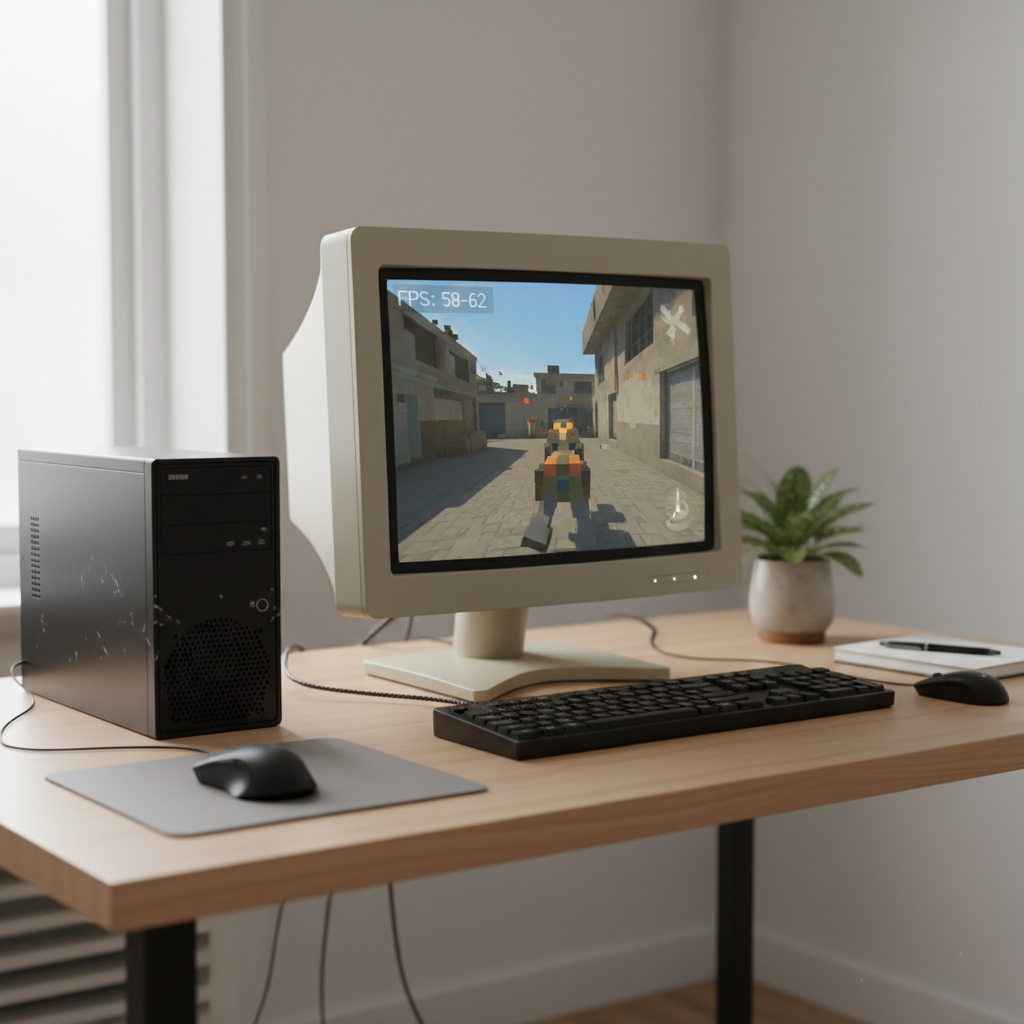
One more thing before we dive in, “low-end” means different things. A 2016 laptop with Intel HD graphics behaves very differently from a cheap 2026 mini PC, even if both feel “not gaming.” So I’ll call out what to look for: older GPUs, integrated graphics, storage limits, and CPU bottlenecks.
What actually makes a free FPS “low-end friendly”
People blame the GPU first, but on older rigs the problem is often a mix of CPU spikes, shader compilation, and memory pressure. A game can look simple yet still stutter if it streams textures aggressively or compiles shaders mid-match.
- Smaller maps and simpler lighting tend to run smoother than huge open environments.
- Flexible video settings matter more than a pretty default preset, especially render scale and anti-aliasing options.
- Low VRAM modes or texture pool options are a good sign for older GPUs.
- Consistent updates help, but big engine upgrades sometimes raise requirements, so a “light game” can get heavier over time.
According to Valve (Steam Support documentation), keeping graphics drivers updated and verifying game files are common first steps for stability issues, and on older PCs that stability is half the battle.
Quick self-check: can your PC handle these in 2026?
You don’t need perfect specs to pick wisely, you need a fast reality check. If you can answer these, you’ll avoid most “download regret.”
- GPU: Integrated graphics (Intel/AMD) or older dedicated cards like GTX 750 Ti/950/1050, RX 460/560 usually need 720p–900p and low settings.
- RAM: 8GB can work, but background apps (Chrome, Discord, overlays) can push you into stutter.
- Storage: An SSD helps with loading and texture streaming, but it won’t magically fix low FPS.
- CPU: Older 2-core/4-thread CPUs often struggle in large-team modes and heavy physics.
- Internet: If matches feel “laggy” even at good FPS, it might be ping or packet loss, not your hardware.
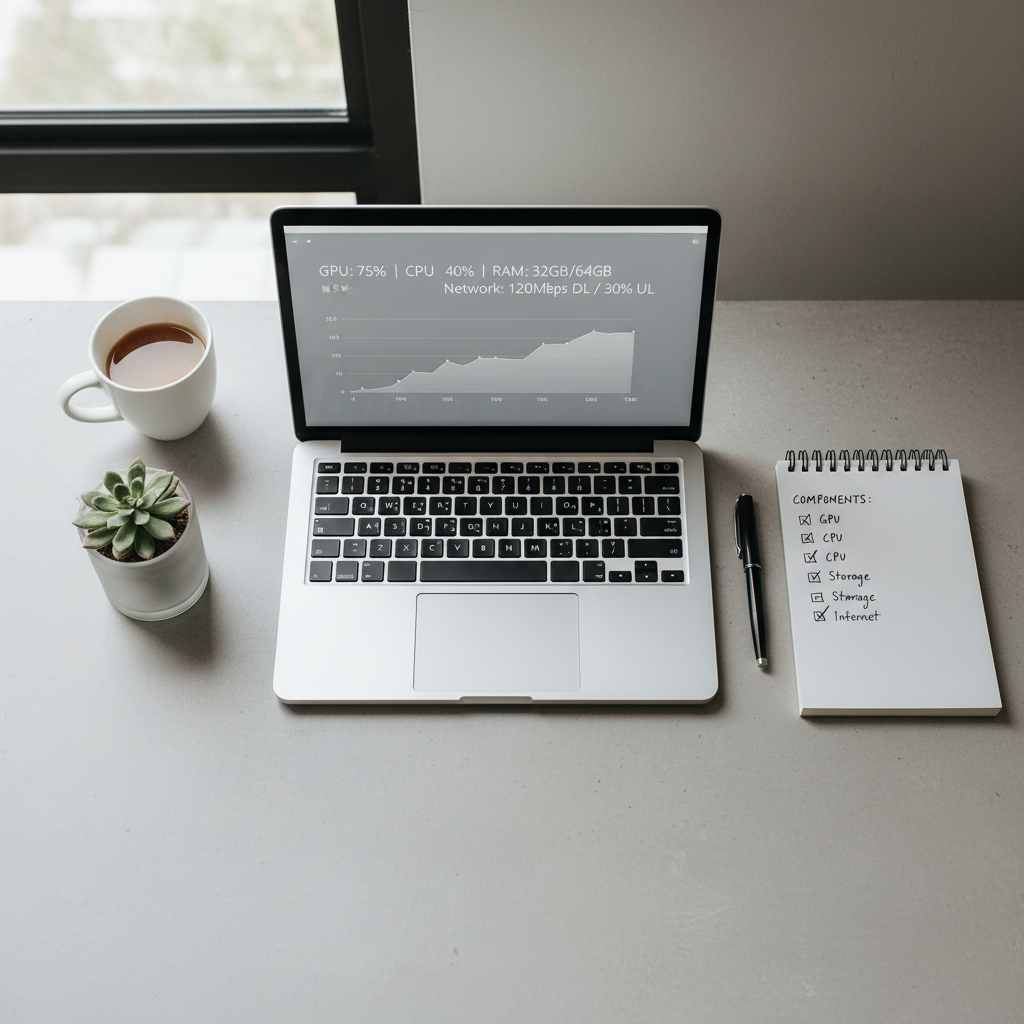
If you’re unsure about your exact parts, Windows Task Manager and “About your PC” will get you 80% of the way. For the rest, GPU name plus “specs” is usually enough to estimate expectations.
Best free FPS games for low end PC (2026 picks)
Below are free shooters that, in many setups, run acceptably on older hardware when configured with realistic settings. Still, updates change things, so treat these as strong starting points, not guarantees.
| Game | Why it fits low-end PCs | What to tweak first | Watch out for |
|---|---|---|---|
| VALORANT | Generally optimized, scalable visuals | Render scale, shadows off, multithreaded rendering | CPU spikes in chaotic fights on very old CPUs |
| Team Fortress 2 | Older engine, very low baseline requirements | Lower resolution, disable fancy effects | Community servers vary, CPU-bound moments |
| Paladins | Flexible settings, can run at low presets | Texture quality, view distance, resolution | Busy VFX can cause drops on iGPUs |
| Warface | Often runs on older GPUs with low settings | Shadows, post-processing, resolution scale | Download size and patch cadence can be heavy |
| BLOCKPOST (browser/PC) | Lightweight feel, simple visuals | Resolution and browser hardware acceleration | Browser performance differs by system |
VALORANT is still one of the safer bets for older machines if competitive play is your thing. It’s not “tiny,” but it’s usually forgiving on integrated graphics at 720p or 900p, assuming you keep background apps under control.
Team Fortress 2 remains a classic low-end answer because the game is old enough to run on a lot of leftover hardware. The tradeoff is you may run into community server chaos, which can be more demanding than you’d expect.
Paladins sits in a nice middle ground: more modern than TF2, usually more scalable than heavier battle royale shooters. If you’re on iGPU, the key is toning down effects-heavy moments.
Warface can be surprisingly playable on older GPUs, but the “free” part comes with a bigger install footprint and more frequent patching than the lightweight feel suggests.
BLOCKPOST and similar lighter shooters can be a lifesaver when your main constraint is hardware age. If you go this route, your browser and extensions can matter more than you think.
How to get smoother FPS on a low-end PC (settings that actually move the needle)
When people search best free fps games for low end pc, they often want a “magic game list,” but you’ll get more wins by fixing the usual stutter culprits. These tweaks are boring, and that’s why they work.
In-game settings: prioritize consistency
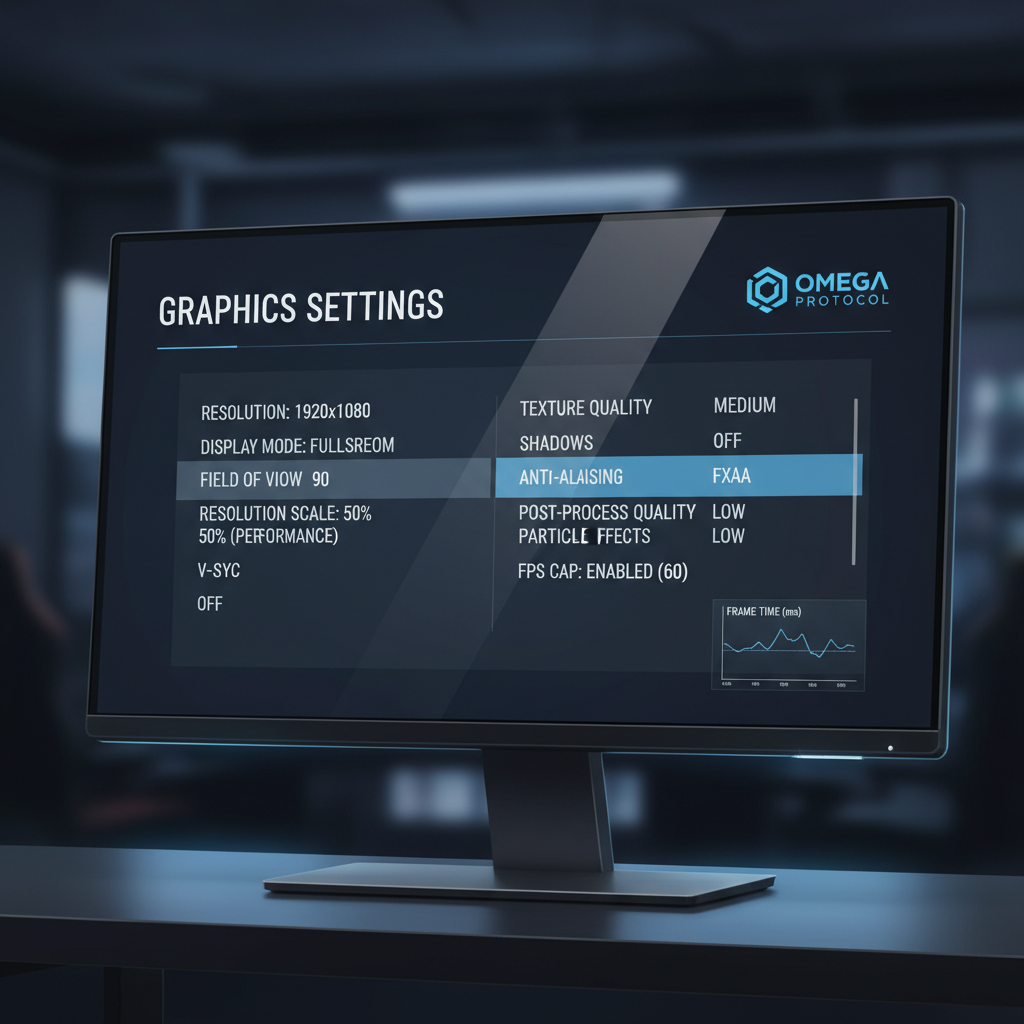
- Resolution / render scale: dropping to 900p or 720p can stabilize fights where 1080p collapses.
- Shadows: set to off or low first, shadows are expensive even in simple-looking games.
- Anti-aliasing: try FXAA or none, avoid heavier options on older GPUs.
- Texture quality: don’t max textures if VRAM is limited, stutter often comes from swapping.
- Limit FPS: cap a bit below your average, it can reduce swings and input weirdness.
Windows + driver basics (quick but important)
- Use exclusive fullscreen when possible, some systems lose performance in borderless.
- Close high-impact apps, especially browsers with many tabs and video playback.
- Update GPU drivers, but if a new driver breaks performance, rolling back is a normal move.
- Disable unnecessary overlays, they can add micro-stutter on older CPUs.
Common mistakes that waste time (and don’t fix lag)
Low-end tuning has a lot of myths. A few are harmless, a few make things worse.
- Chasing “max FPS” at any cost: the game feels worse if it jumps from 30 to 90 and back every fight, aim for stable.
- Turning every setting to low: sometimes medium textures reduce stutter if it prevents constant streaming, it depends on VRAM and the game.
- Assuming ping equals FPS: rubber-banding is network, hitching is usually CPU/storage/shaders.
- Ignoring thermals: laptops can throttle hard, so “it starts smooth then dies” is often heat, not the game.
According to Microsoft (Windows support guidance), keeping your PC updated and managing startup apps can improve overall responsiveness, which matters when your hardware has little headroom.
If it still runs badly: practical upgrade and “no-upgrade” paths
Sometimes you pick the right game and still hit a wall, especially on very old dual-core CPUs or iGPUs with shared memory. If you need a realistic next step, here are options that don’t assume you’ll build a new PC tomorrow.
- No-cost route: lower render scale, cap FPS, reduce background apps, test exclusive fullscreen, and try a different server region.
- Low-cost route: add RAM (going from 8GB to 16GB helps many systems), move games to an SSD if you’re on an HDD.
- Used GPU route: a modest used card can transform a PC, but power supply limits and case space are real constraints, so check before buying.
- Cloud/remote play: can work if your internet is stable, but it’s not ideal for competitive shooters due to latency.
If you’re seeing crashes or blue screens, stop treating it like “game optimization.” That can be drivers, unstable hardware, overheating, or corrupt installs, and troubleshooting becomes more technical.
Key takeaways + conclusion
Best free fps games for low end pc choices come down to two things: how scalable the game is, and whether your settings match your hardware reality. For most older systems, a stable 45–60 FPS at 720p–900p feels better than unstable 90 FPS at 1080p.
- Start with VALORANT or Team Fortress 2 if you want the safest low-end bets.
- Use the checklist to avoid downloading games that will stutter no matter what.
- Tune render scale and shadows first, then cap FPS for consistency.
If you want one action step today, pick one game from the table, apply the “settings that move the needle,” and play two matches while watching for stutter patterns, you’ll learn more in 20 minutes than in two hours of spec-reading.
FAQ
What are the best free FPS games for low end PC with integrated graphics?
VALORANT and Team Fortress 2 are common starting points because they scale down well. Integrated graphics still benefit a lot from 720p or 900p, plus reduced shadows and effects.
Is 8GB RAM enough for free FPS games in 2026?
Often yes for lighter shooters, but it depends on what else you run. If you keep a browser, Discord, and overlays open, 8GB can trigger stutter even when average FPS looks okay.
Why do I get good FPS but the game still feels choppy?
That usually points to frame-time spikes rather than low average FPS. Shader compilation, background apps, and texture streaming from a hard drive are common causes on older PCs.
Should I play on low settings or lower resolution first?
Lowering resolution or render scale is typically the biggest single change for weak GPUs. After that, drop shadows and heavy post-processing, those settings tend to hit both GPU and CPU.
Do FPS caps actually help on low-end hardware?
They can. Capping slightly below your typical average reduces big swings, and the game can feel more consistent, especially in firefights where your PC would otherwise dip hard.
Is an SSD worth it for FPS games?
An SSD helps load times and can reduce some streaming stutter, but it won’t fix a GPU that’s simply too weak. Think of it as a “smoothness helper,” not a frame-rate upgrade.
When should I ask for professional PC repair help?
If you see frequent crashes, overheating shutdowns, or blue screens across multiple games, it may be a hardware or driver stability issue. A reputable local technician can help diagnose safely, especially if you’re not comfortable opening a PC.
If you’re trying to pick a free shooter that won’t punish your older rig, or you want a quick “here’s what to change first” setup plan, keep this page handy and work through one game at a time, that’s usually faster than chasing 20 different tweaks at once.