
Mechanical keyboard for competitive gaming choices matter more than most people expect, not because a board “aims for you,” but because consistency, comfort, and clean inputs decide how reliable you feel in tight moments.
If you play ranked or scrims, you probably recognize the pattern: missed strafes from accidental presses, fatigue after longer sessions, or that annoying delay feeling even when your PC is fine. A good keyboard won’t magically raise your ceiling, but it can reduce the tiny frictions that quietly shave off performance.
This guide focuses on what typically changes outcomes for competitive players: switch feel and reset behavior, latency realities, stabilizers and key wobble, and the settings that keep your inputs predictable. I’ll also call out the specs that get overhyped so you don’t pay for marketing.
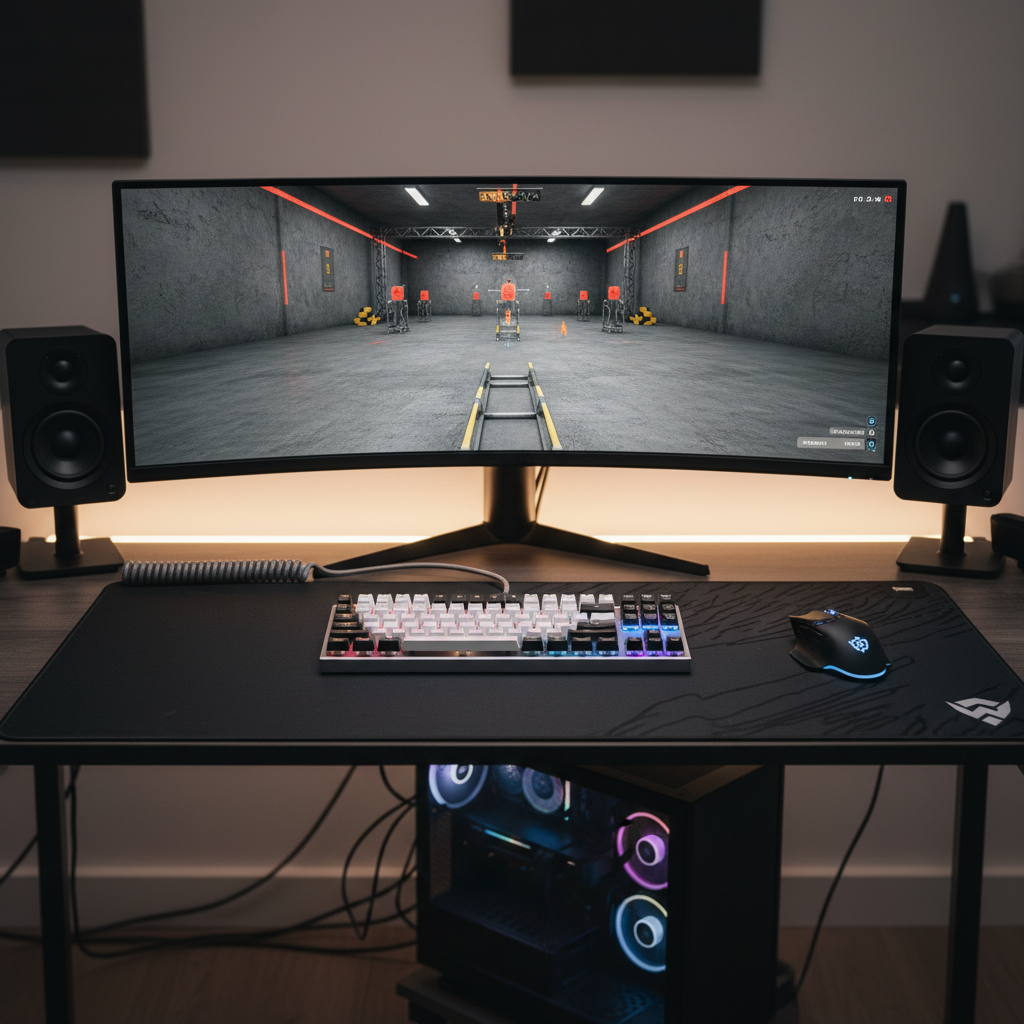
What actually matters for competitive play (and what usually doesn’t)
For a mechanical board used in competitive matches, the biggest wins usually come from repeatable key feel and error reduction. That’s less exciting than “0.1 ms latency,” but it’s what you notice every round.
- Consistent actuation and reset: helps with fast taps, counter-strafing, and rhythm inputs.
- Stable large keys: spacebar, shift, enter should feel solid, not rattly.
- Comfort over long sessions: layout, keycap profile, and board angle reduce fatigue.
- Connection reliability: wired is simplest; wireless can be fine if it’s proven and stable.
What often matters less than people think: extreme polling-rate hype, “military-grade” cases, and switch brand wars. If you can’t type or strafe cleanly on it, none of that saves you.
Switch types for competitive gaming: picking the right feel
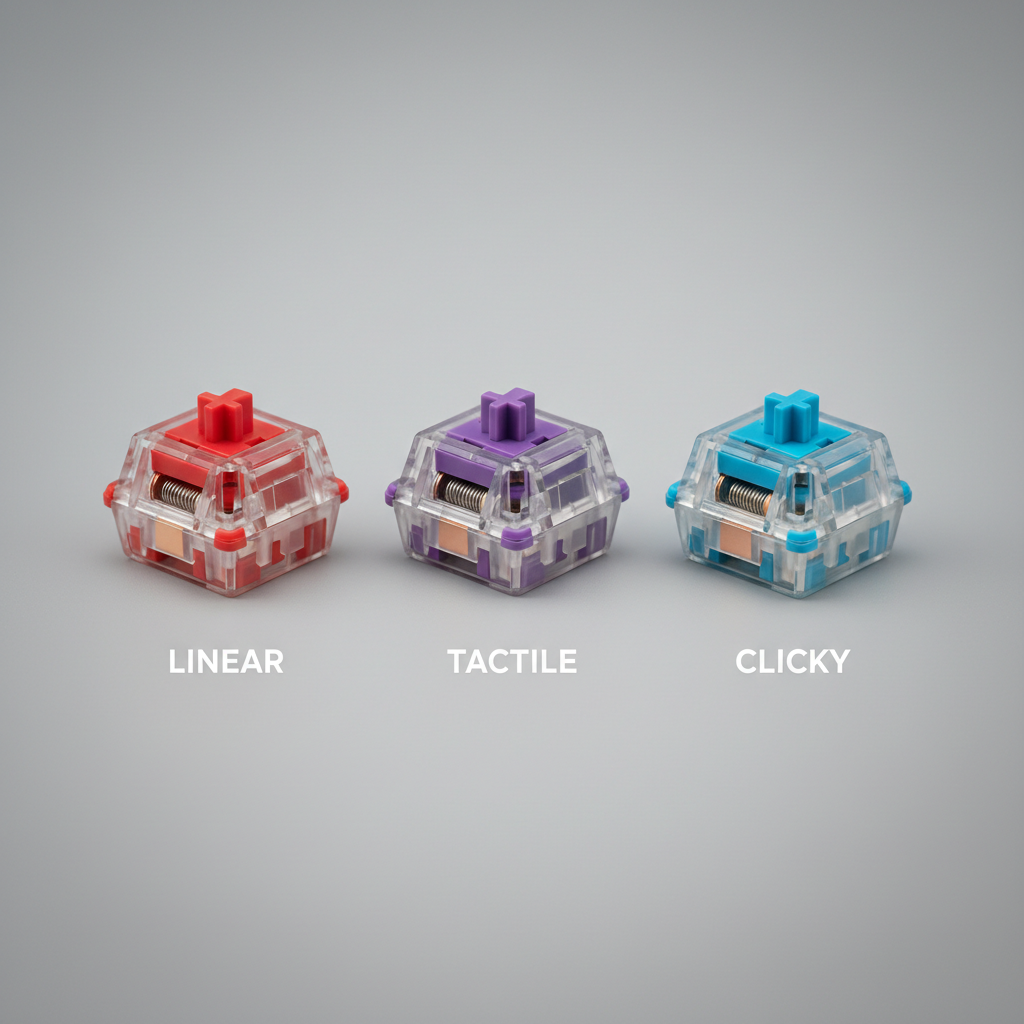
Switch choice is where most players feel the difference, because it changes how easy it is to press and how clearly you sense actuation. For competitive use, the goal is usually fast, controlled, low-mistake inputs, not the lightest switch possible.
Linear switches (common in FPS)
Linear switches have a smooth downstroke with no bump. Many FPS players like them because rapid tapping feels clean and predictable, especially for movement keys.
- Pros: smooth for repeated presses, simple feel, good for fast strafing.
- Watch for: accidental presses if you choose very light springs or very short travel.
Tactile switches (popular for all-round competitive)
Tactiles add a small bump you can feel. If you misfire keys under pressure, tactiles often help because you get feedback without the loud click.
- Pros: better “did I press it?” feedback, can reduce fat-finger errors.
- Watch for: some tactiles feel sluggish for ultra-fast spam, depending on the bump shape.
Clicky switches (rare for shared spaces)
Clicky switches are loud and very feedback-heavy. They can be fun, but in most competitive setups they’re less practical, especially if you use voice comms or share space.
- Pros: clear feedback.
- Watch for: noise in mic, annoyance in teams/households.
Specs that influence speed and consistency
Specs aren’t useless, but they’re easy to misread. What you want is a keyboard that reports inputs quickly and does it consistently without dropouts or weird firmware behavior.
- Actuation point and travel: shorter actuation can feel quicker, but it also increases accidental presses for some hands.
- Polling rate: many gaming boards support 1000 Hz; higher can help in edge cases, but it’s not a guaranteed “feel” upgrade.
- N-key rollover and anti-ghosting: important for multiple simultaneous inputs, especially in movement-heavy games.
- Debounce behavior: mostly relevant to certain switch types; stable firmware matters more than a flashy number.
According to NVIDIA (in their Reflex and system latency guidance), end-to-end latency is a chain that includes the game, GPU, display, and input devices. That’s a good mindset: don’t obsess over one spec while ignoring the rest of your setup.
Form factor and layout: why pros often prefer smaller boards
Full-size, TKL, 75%, 65%, 60% all can work for competition. The reason smaller boards show up so often is simple: more mouse room and a straighter arm angle for low-sense players.
- TKL (tenkeyless): a common sweet spot for competitive FPS, keeps function row, drops numpad.
- 75% / 65%: saves space, keeps arrows on many models, good if you travel.
- 60%: maximum mouse space, but heavier reliance on layers, which can annoy some players.
If you use binds on function keys, or you do productivity work between matches, a slightly larger layout may reduce friction. The “best” layout is the one you won’t fight with mid-round.
Quick comparison table: what to choose based on your game and habits
Use this as a starting filter, not a strict rulebook. Individual boards vary a lot in stabilizers, firmware, and build quality.
| Player profile | Good switch direction | Recommended form factor | Why it tends to work |
|---|---|---|---|
| FPS movement-heavy, low sens | Linear or light tactile | TKL / 75% | More mouse space, fast repeats, fewer accidental desk hits |
| MOBA/MMO with many hotkeys | Tactile | TKL / Full-size | More keys available, clearer activation feedback |
| Shared space / stream + mic | Linear or tactile (quiet) | Any | Less noise bleed, easier comms and cleaner audio |
| Travel / LAN-friendly setup | Linear or tactile | 65% / 60% | Smaller footprint, easier to pack, consistent posture |
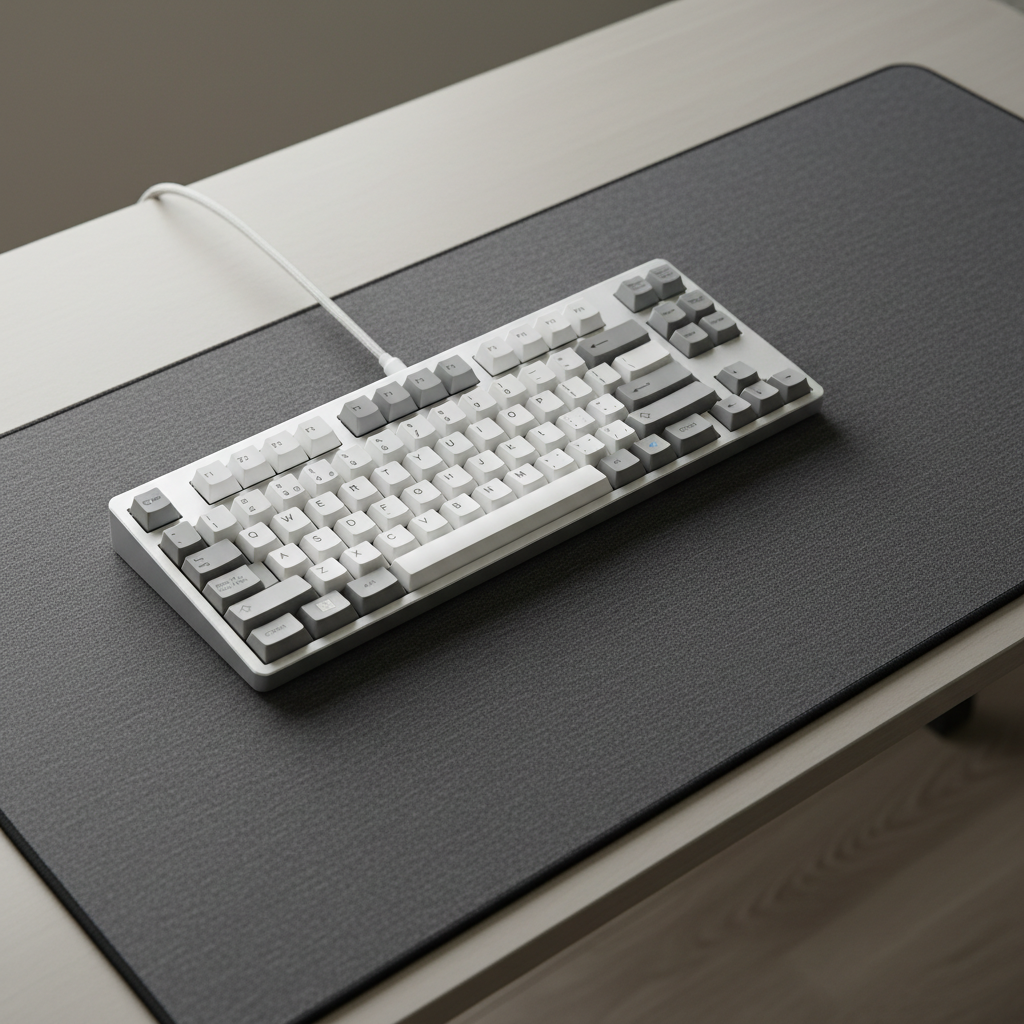
Practical setup tips that make a real difference
The best mechanical keyboard for competitive gaming still needs a sane setup. These changes are small, but players tend to feel them immediately.
In-game and OS settings to check
- Turn off keyboard acceleration features if your OS or software adds them (varies by tool). For gaming, you want 1:1 behavior.
- Use consistent key repeat settings for menu navigation, but don’t rely on repeat for gameplay actions unless your game expects it.
- Set push-to-talk to a stable key (often mouse side button or a less-used keyboard key) so you don’t compromise movement.
Keyboard placement and ergonomics
- Angle: many players do better with a flatter board; steep feet can increase wrist extension.
- Position: center the keyboard to your body, then place mouse where your arm feels relaxed.
- Keycap profile: if you mis-hit keys, a different profile can help, but it’s personal and takes a few days to judge.
Simple hardware tweaks (no deep modding required)
- Stabilizer quality: if shift/space rattle drives you crazy, choose a board known for decent stabilizers or consider a basic stabilizer tune from a shop.
- Hot-swappable boards: useful if you want to test switch weights without buying another keyboard.
- Wired vs wireless: if you go wireless, prioritize proven connectivity and keep firmware updated; if you’re troubleshooting, wired removes variables.
Mistakes that waste money (common traps)
A lot of people buy a “gaming” board, still feel off, and assume they need a different switch or more expensive model. Often the issue is mismatch, not price.
- Going ultra-light too fast: very light switches can increase unintended presses until your hands adapt.
- Ignoring stabilizers: if the big keys feel sloppy, your inputs feel sloppy, even if the switch is great.
- Chasing specs without comfort: a board can be fast on paper and still cause fatigue or wrist strain.
- Over-modding early: modding can help, but if you don’t know what bothers you yet, you’ll spend time and money “fixing” the wrong thing.
If you feel pain, numbness, or persistent discomfort while practicing, don’t brute-force through it. That can be a sign your posture or setup needs change, and if symptoms persist, it may be worth speaking with a qualified healthcare professional.
Conclusion: a smart way to choose your next board
Picking a mechanical keyboard for competitive gaming is mostly about removing inconsistency: choose a layout that fits your mouse space, pick a switch that reduces your mistakes, and prioritize stable build details like stabilizers and firmware over flashy claims.
Key takeaways: if you mainly play FPS, start with TKL plus a solid linear or light tactile; if you mis-press keys, tactiles often calm things down; if you travel or need more mouse room, go smaller but only if you’re comfortable with layers.
If you want a simple next step, shortlist two boards with different switch styles, test them for a week each, then commit. Your hands will tell you faster than any spec sheet.
FAQ
Is a mechanical keyboard for competitive gaming actually faster than a membrane keyboard?
Often it feels faster because actuation is more consistent and reset behavior can be clearer. Raw speed depends on the specific boards, but consistency and reduced errors are where mechanical boards usually help most.
Should I choose linear or tactile switches for FPS games?
Many FPS players prefer linear for smooth rapid taps, but tactiles can be better if you tend to fat-finger movement keys or want clearer feedback. If you’re unsure, a light tactile is a safe middle ground.
Do optical or magnetic (Hall effect) switches give a real advantage?
They can offer adjustable actuation and different reset behavior, which some players like for rapid inputs. The advantage depends on implementation and your control; plenty of players perform extremely well on standard mechanical switches.
Is wireless safe for competitive gaming?
It can be, as long as the keyboard has a strong track record for low-latency, stable 2.4 GHz wireless and you keep firmware updated. If you’re troubleshooting input issues, wired is the clean baseline.
What size keyboard do most competitive players use?
TKL is common because it saves space without losing too many keys. Smaller boards are popular for low-sensitivity mouse players, but only if you’re comfortable with function layers.
How do I know if my keyboard is causing missed inputs?
Try another keyboard for a few sessions, keep everything else the same, and pay attention to patterns like repeated missed strafes or inconsistent ability casts. Also check for software conflicts, key chatter, or unstable USB connections.
What’s one upgrade that improves feel without buying a new keyboard?
Better keycaps or a board with well-tuned stabilizers can change perceived quality more than people expect. If your spacebar and shift feel rough, that “cheap” feeling can bleed into gameplay confidence.
If you’re trying to narrow down a mechanical keyboard for competitive gaming without buying three boards to “experiment,” it helps to list your game genre, your most common misinputs, and whether you need extra mouse room, then pick a layout and switch direction that directly matches those constraints.