
steam deck sd card recommended size usually comes down to one thing: how many “big” games you plan to keep installed at the same time, without turning load times into a patience test.
If you only play a couple of indies, almost any decent card works. But if your Steam library includes AAA titles, emulation packs, or you like keeping several games ready to go, size and speed matter more than people expect, especially once shader caches and updates pile up.
This guide breaks down practical sizes, the speed ratings that actually matter on Steam Deck, and a few buying traps I see often, so you can pick a card once and stop thinking about it.
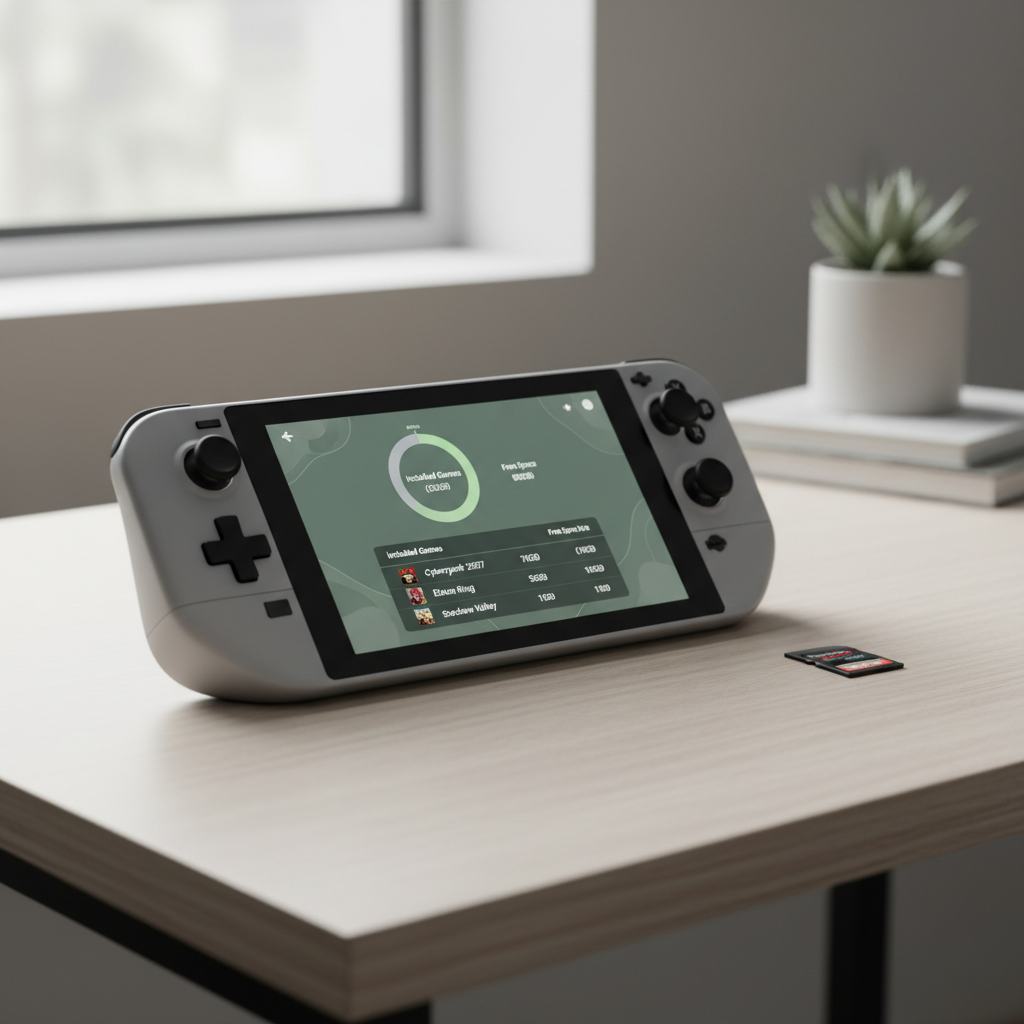
Quick answer: recommended size and speed for most players
If you want a simple, low-regret default, this is what tends to work for most Steam Deck owners in the US.
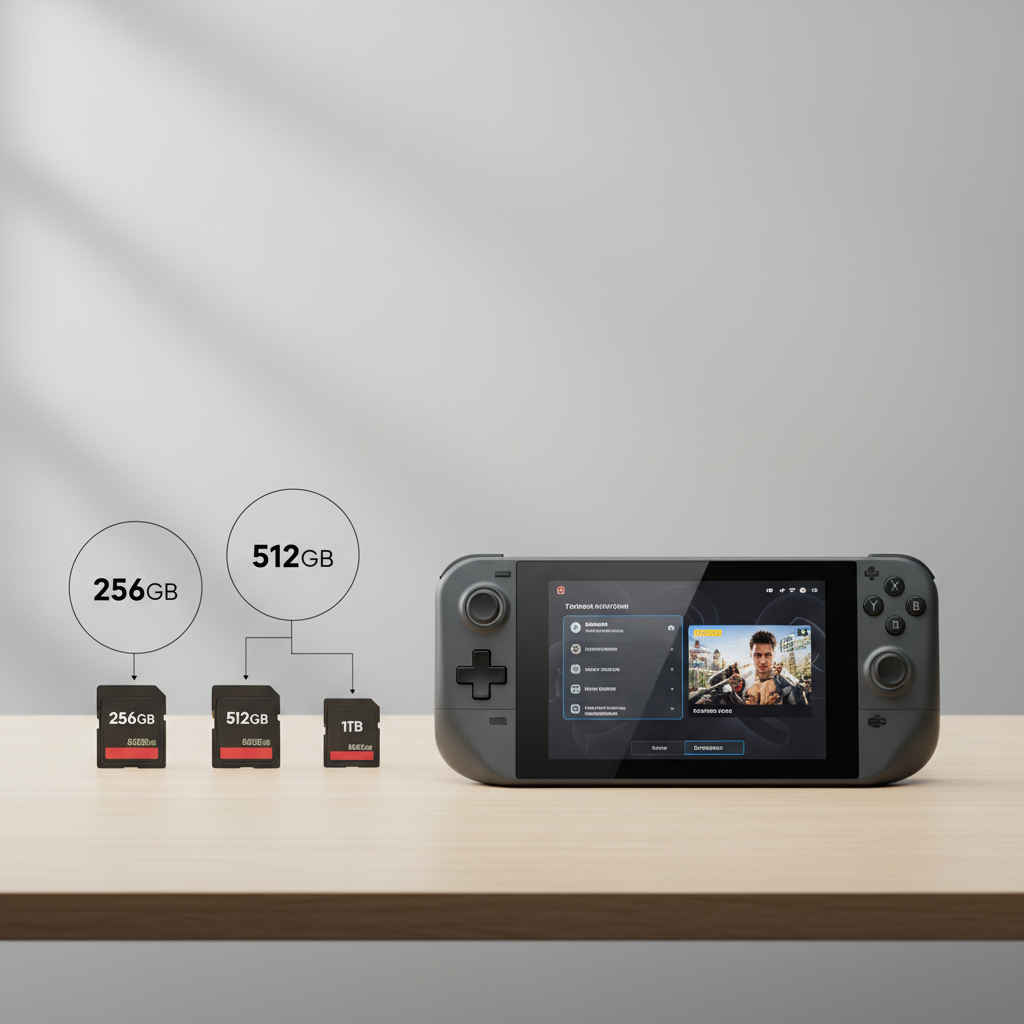
- Best “most people” pick: 512GB microSD, UHS-I U3 (A2 preferred)
- Budget pick: 256GB microSD, UHS-I U3
- Heavy library pick: 1TB microSD, UHS-I U3 (buy from a reputable seller)
Speed-wise, the Deck is built around UHS-I for microSD, so paying extra for “UHS-II” labels usually brings little real-world benefit on the Deck itself. What you do want is a card that sustains decent writes so installs, updates, and shader-cache behavior stay smooth.
How much storage you really need (and what people forget)
Choosing a steam deck sd card recommended size gets easier when you stop thinking only in “game install size” and start accounting for the stuff that quietly consumes space over time.
Typical space hogs
- AAA games: Many sit in the 60–150GB range, and a few can go higher after patches and DLC
- Indies: Often 1–15GB, but it adds up when you keep a lot installed
- Shader cache and compatibility data: This can accumulate, especially if you try many games
- Emulation libraries: ROM collections and disc images can balloon fast, depending on the system
That last point is why 256GB sometimes feels “fine” for two months, then suddenly feels cramped. It’s not always one big game, it’s the slow creep of many medium items.
A practical size guide (with a simple table)
Below is a rough decision table. It won’t predict your exact usage, but it helps you match storage to your playing style without overthinking it.
| Player type | Good fit | Why it works | Trade-off |
|---|---|---|---|
| Light / indie-focused | 128GB–256GB | Enough for many smaller games and a few medium installs | You’ll uninstall/reinstall AAA titles more often |
| Mixed library (indies + some AAA) | 512GB | Best balance of cost per GB and flexibility | Still not “set-and-forget” if you hoard big releases |
| AAA-heavy / large backlog installed | 1TB | More room for multiple large games plus updates | Higher counterfeit risk, buy carefully |
If you already own a 64GB Steam Deck (eMMC model), going larger on microSD tends to feel more valuable because internal space runs out quickly once system files and caches settle in.
Speed ratings that matter on Steam Deck (and what to ignore)
For Steam Deck, you’re shopping inside the reality of microSD limits. The Deck supports microSD via UHS-I, so your goal is a reliable UHS-I card with strong sustained performance, not just a flashy “up to” number on the package.
What to look for
- UHS-I: This is the relevant bus standard for the Deck’s microSD slot
- U3: A minimum sustained write speed class that usually correlates with smoother installs and updates
- A2 (Application Performance Class): Often helps with lots of small reads/writes, which can show up in game assets and caching patterns
What to treat as marketing
- “Up to 200MB/s” peak read: Real-world depends on device and workload
- UHS-II on a Steam Deck use-case: typically not worth paying extra for, because the Deck won’t fully leverage that bus
According to the SD Association, speed class markings like U1/U3 and A1/A2 are intended to communicate minimum performance baselines for certain workloads, which is why those symbols are more useful than a single headline read speed.
Self-check: which card should you buy?
If you’re stuck between 256GB, 512GB, and 1TB, answer these quickly. Your pattern usually makes the decision for you.
- Do you want 3+ AAA games installed at once? If yes, lean 512GB or 1TB.
- Do you travel a lot and can’t rely on fast Wi‑Fi for re-downloads? If yes, bigger storage feels better.
- Are you using the Deck for emulation with disc images? If yes, you’ll likely appreciate 512GB+.
- Do you prefer rotating games and keeping only what you’re playing now? If yes, 256GB can be totally fine.
- Are you buying from a marketplace listing with unclear seller info? If yes, consider 512GB from a major retailer rather than chasing 1TB deals.
In many households, the “right” steam deck sd card recommended size is simply the one that prevents constant uninstalling without pushing you into sketchy listings.
Real-world setup tips: install strategy, formatting, and library management
Once you have the card, a few small choices make it feel faster and less annoying day to day.
1) Format the card on the Steam Deck
Formatting in the Deck’s settings helps ensure the filesystem is set up the way SteamOS expects. It also reduces weird edge cases where a card works on a PC but behaves inconsistently in-game.
2) Put “big but not twitchy” games on microSD
- Great on microSD: turn-based games, RPGs, platformers, many indie titles, older AAA
- Usually better on internal storage: games with constant asset streaming or that you’re sensitive to load times in
This isn’t a strict rule. Some modern games run surprisingly well from microSD, but if you notice stutter tied to loading, moving that game to internal storage is a fast troubleshooting step.
3) Leave breathing room
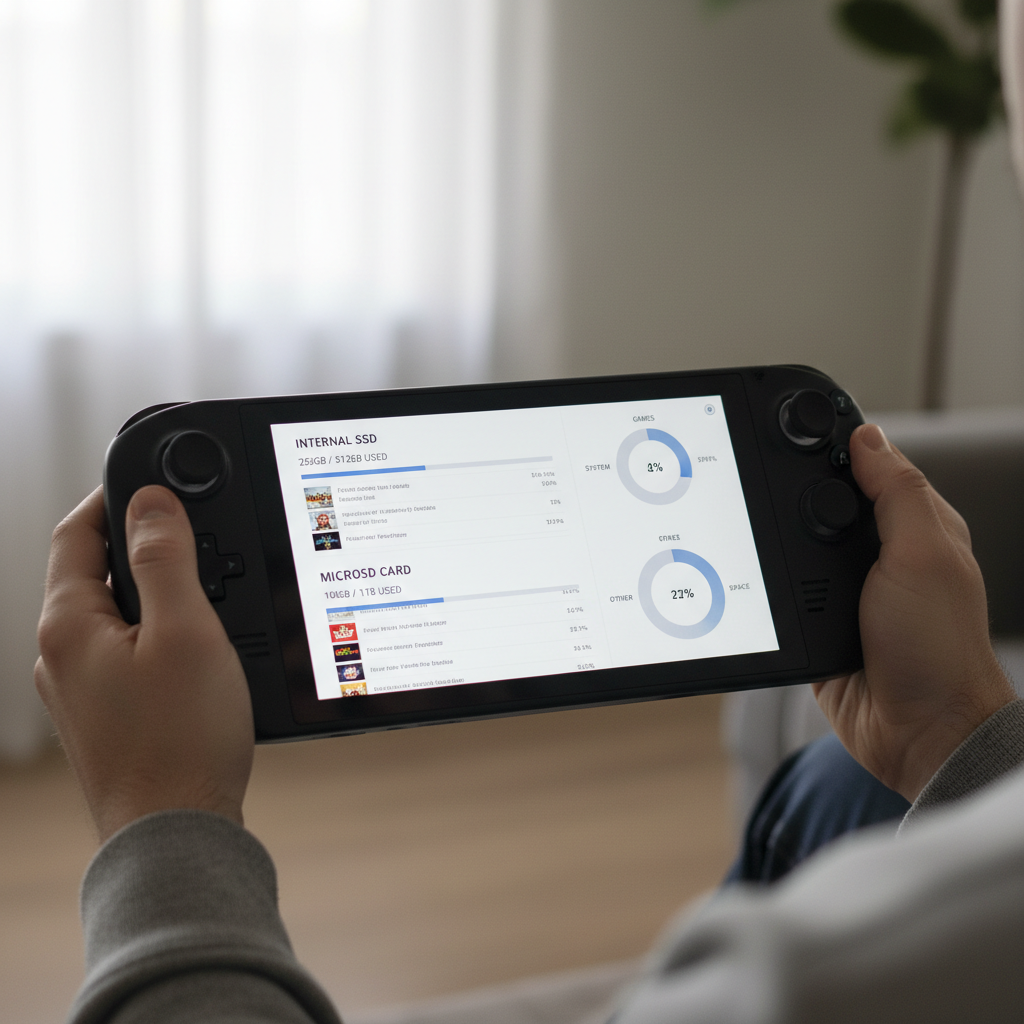
Try not to fill the card to 99%. Many flash-based devices behave better with some free space, and updates get less stressful when you’re not constantly juggling a few gigabytes.
4) Consider “one big card” vs “multiple smaller cards”
- One big card: simpler, less swapping, fewer chances to misplace a card
- Multiple cards: can be cheaper if you already own them, and handy for separating libraries
Swapping cards works, but if you do it often, label them and store them well. The microSD form factor is tiny, and tiny things vanish.
Common mistakes (and how to avoid wasting money)
This is where a lot of “my downloads are slow” complaints start, even when the Deck itself is fine.
- Buying the cheapest “1TB” listing you can find: counterfeit cards exist, and failures tend to show up after you trust them with your library.
- Using U1 / very old cards: installs and updates can drag, and performance may feel inconsistent.
- Chasing peak read speed instead of sustained performance: game installs and patching are write-heavy.
- Ignoring seller reputation and return policy: for microSD, a clean return path matters more than people like to admit.
If you’re unsure, buy from established retailers and stick to well-known lines from major brands. It’s not about “brand worship,” it’s about reducing the odds you troubleshoot a fake card at midnight.
When it’s worth getting help (or changing the plan)
If your Steam Deck can’t format the card, constantly unmounts it, or games corrupt repeatedly, the card may be defective or incompatible. At that point, swapping cards is a better use of time than endlessly tweaking settings.
For hardware issues or persistent storage errors, consider checking official troubleshooting steps and support channels. According to Valve, Steam and Steam Deck support documentation covers common storage and microSD behaviors, and it’s a sensible next step if you suspect the slot or OS is part of the problem.
Conclusion: what to buy if you want the least drama
If you want one recommendation that fits most people, go with a 512GB UHS-I U3 microSD from a reputable seller, and don’t stress about chasing top-line speeds. If your library is AAA-heavy or you travel and hate re-downloading, 1TB can be worth it, just buy carefully.
Action step: check how many games you truly keep installed, then pick capacity based on that habit, not on a hypothetical future you who somehow plays everything at once.
FAQ
What is the steam deck sd card recommended size for most users?
For many players, 512GB hits the sweet spot: enough room for a mix of large and small games, without the price jump and counterfeit risk that can come with bargain 1TB listings.
Is a 256GB microSD card enough for Steam Deck?
It can be, especially if you play mostly indies or rotate installs. If you plan to keep multiple AAA games ready to launch, 256GB often feels tight after updates and extra files accumulate.
Does Steam Deck benefit from UHS-II microSD cards?
In many cases, not much. The Deck’s microSD slot is designed around UHS-I, so you typically won’t see the full benefit you might get on a UHS-II card reader.
Should I choose A1 or A2 for Steam Deck?
A2 is generally a nicer pick if the price difference is reasonable, because it’s intended for app-like workloads with lots of small file operations. That said, a solid U3 A1 card can still perform well in real play.
Will games run slower from microSD than internal storage?
Often yes, mostly in loading times, and it varies by game. Plenty of titles feel perfectly fine from microSD, but if a specific game streams assets heavily, internal storage may feel smoother.
How can I avoid counterfeit microSD cards?
Buy from reputable retailers or directly from known storefronts, avoid deals that look unrealistic, and keep your return window in mind. Counterfeits often pass quick checks but fail when filled near capacity.
Can I move games between internal storage and the SD card?
Yes, SteamOS supports moving installed games between locations. It’s a practical way to keep your “right now” game on internal storage while the rest of your library lives on microSD.
If you’re trying to pick a steam deck sd card recommended size and you want a quick sanity check, write down how many big games you keep installed, then shop for a UHS-I U3 card from a seller you trust, it’s usually the combination that prevents the most headaches.